4 LinkedIn posts: carousels first, then the still image, then the reels. Each shows the caption and every slide or scene in order.
CarouselThursday 12 NovemberLinkedIn
Carousel (swipe post). Each picture is one slide, in order.
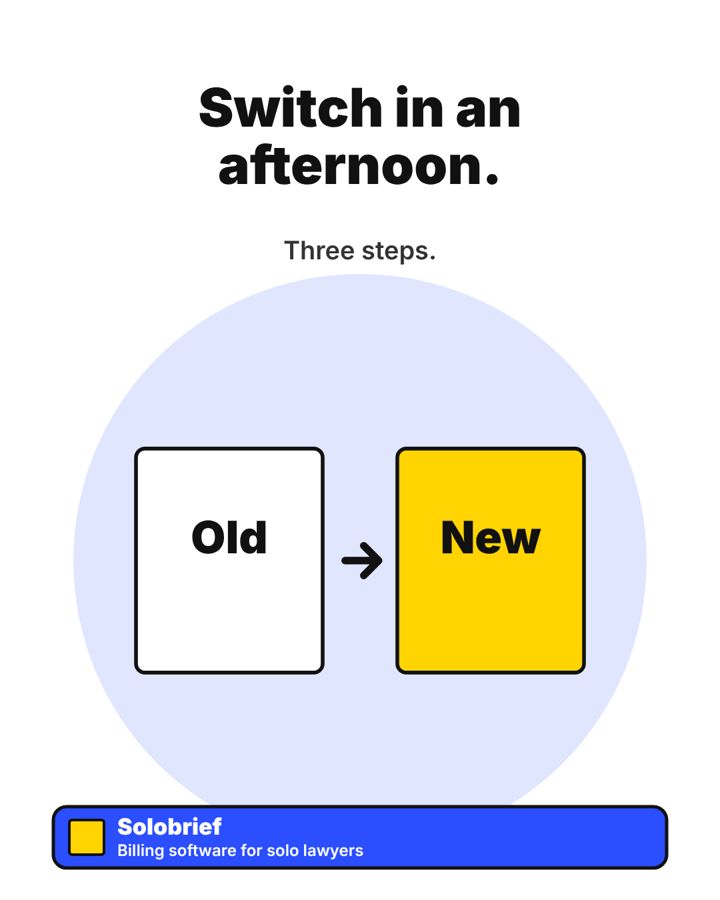
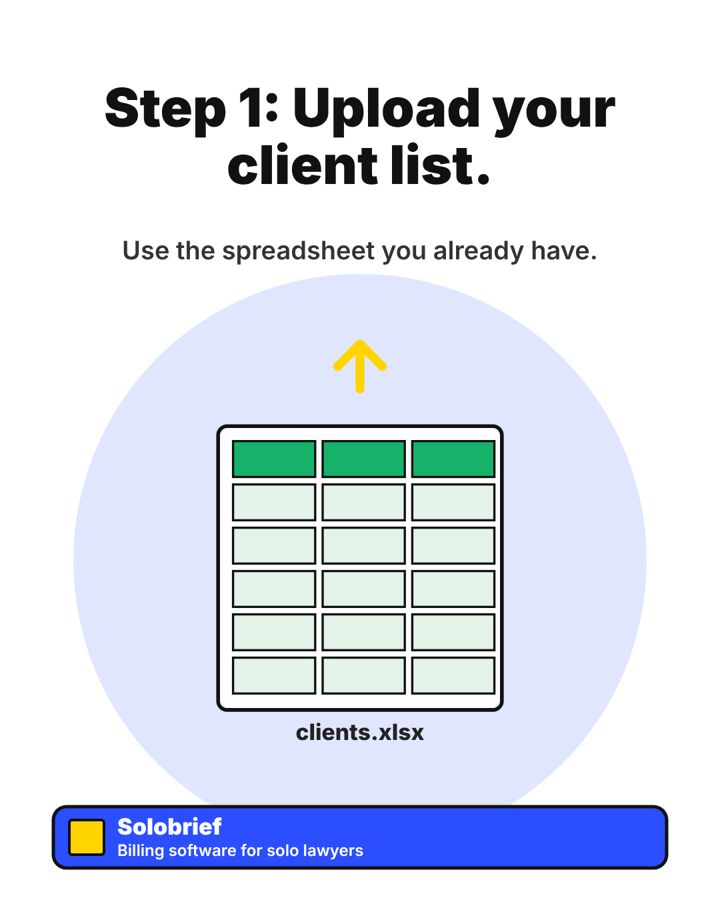
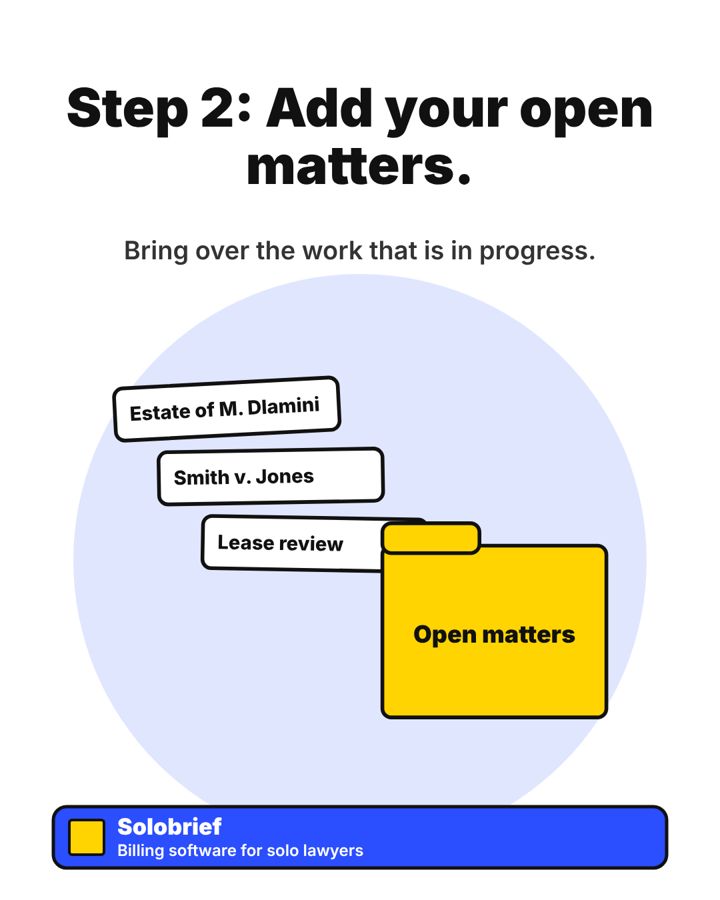
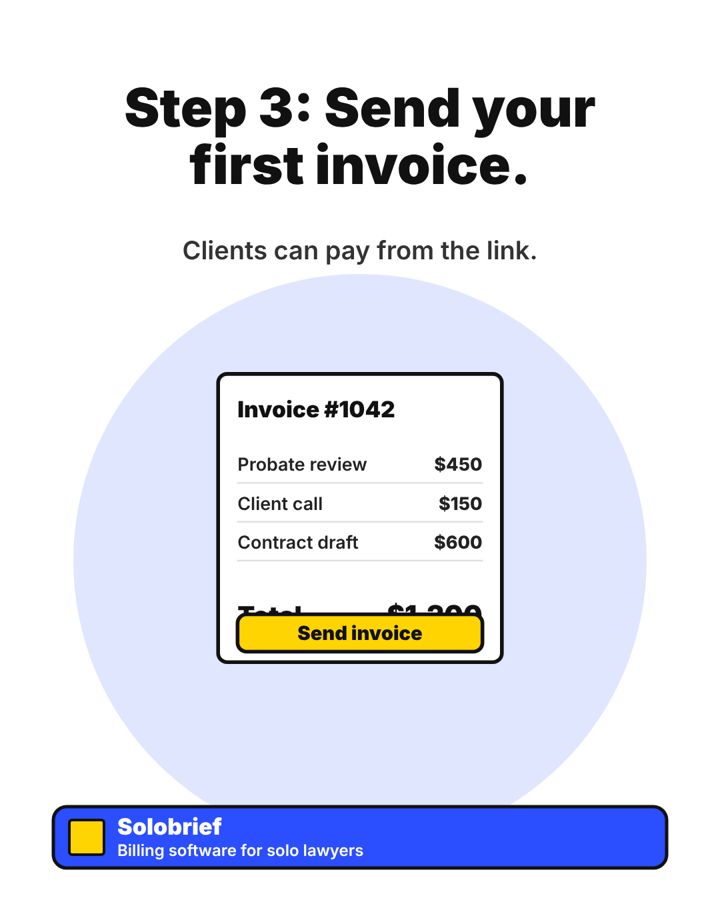
Slide 1Switch in an afternoon.Slide 2Step 1: Upload your client list.Slide 3Step 2: Add your open matters.Slide 4Step 3: Send your first invoice.Slide 5Start your 14-day free trial.
Caption
The hardest part of switching software is starting.
Most solo lawyers can move over in an afternoon with three steps.
Try Solobrief free for 14 days. No card needed.
#Solobrief #SoloLawyer #LegalTech #LawPractice
Still imageTuesday 3 NovemberLinkedIn
Still image (single picture post).
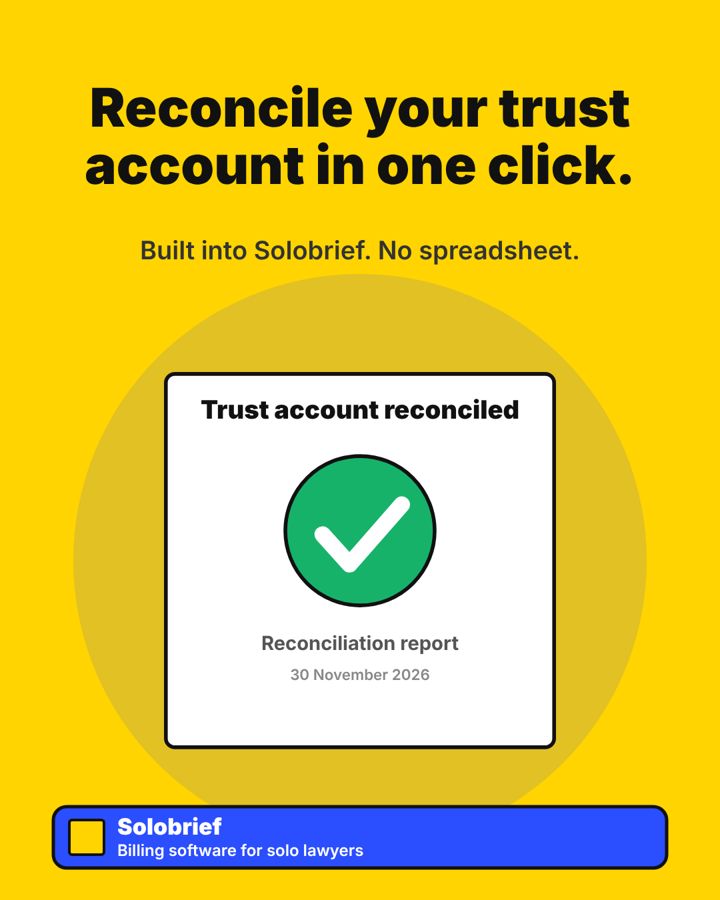
Image 1Reconcile your trust account in one click.
Caption
Trust accounting does not need a spreadsheet.
Solobrief builds it in, so your monthly reconciliation takes one click.
#Solobrief #TrustAccounting #SoloLawyer #LegalTech
ReelMonday 2 NovemberLinkedIn
Reel (short video). Each picture is one scene, in order.
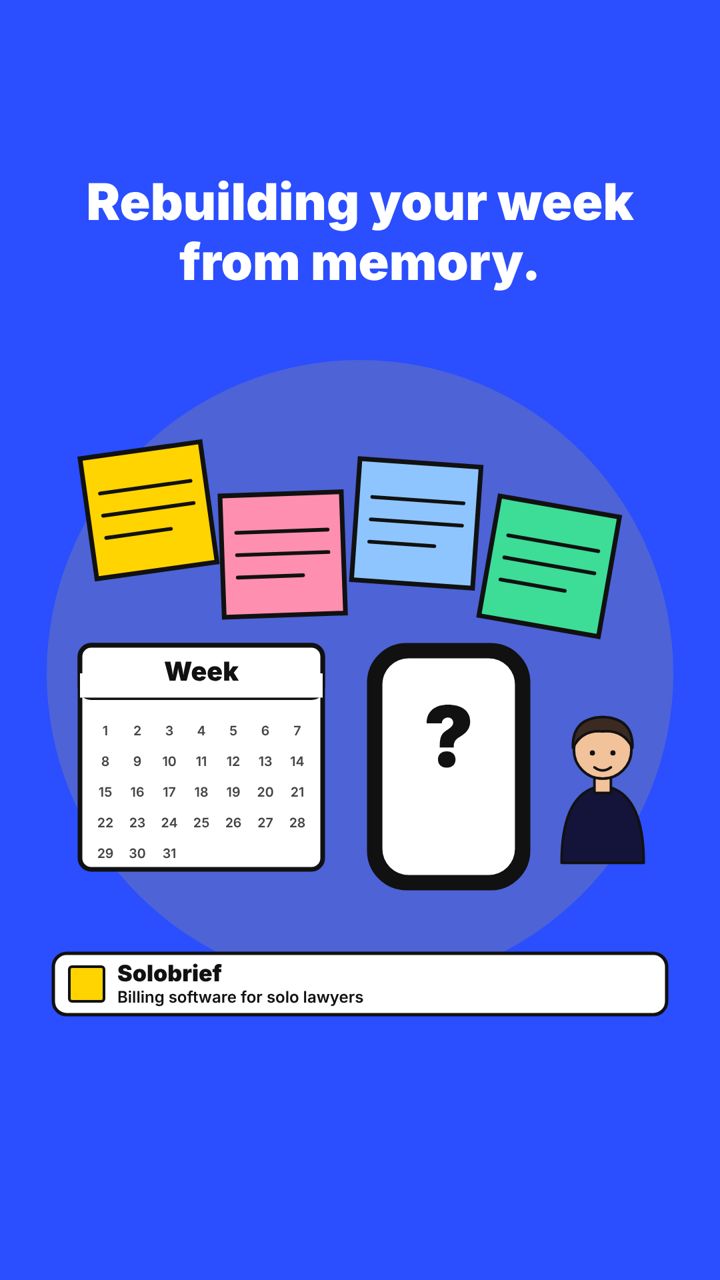
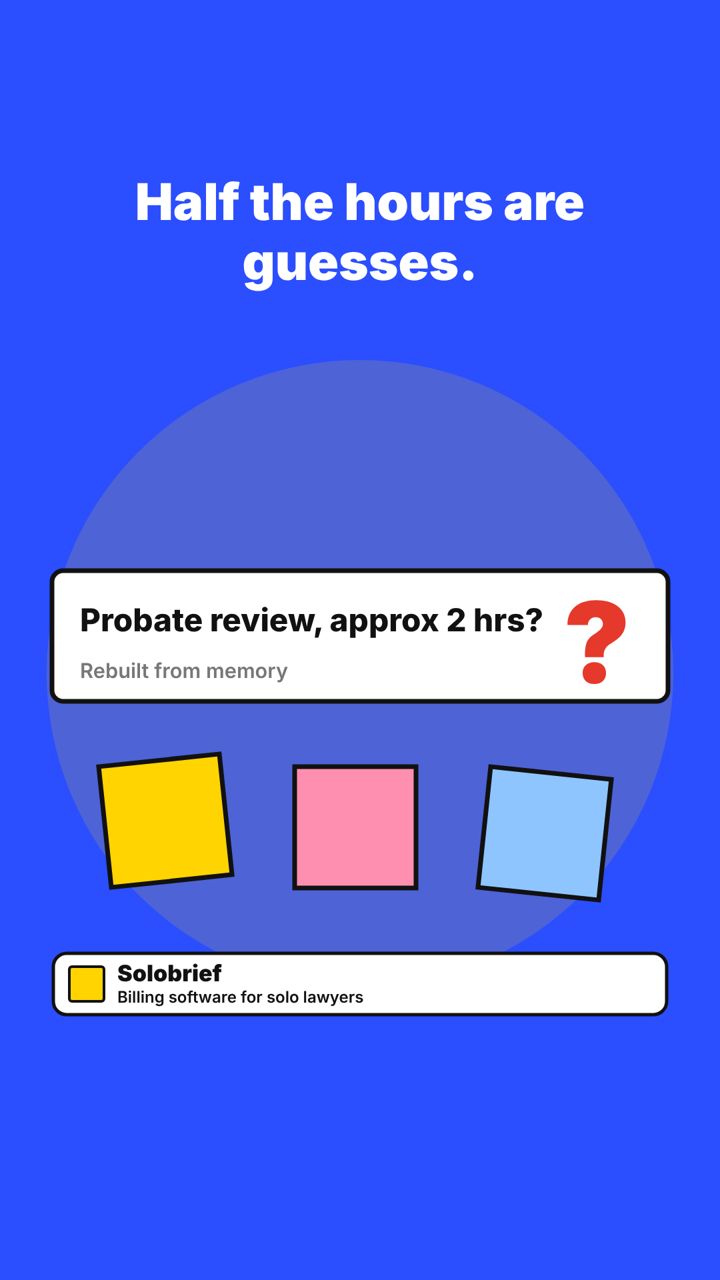
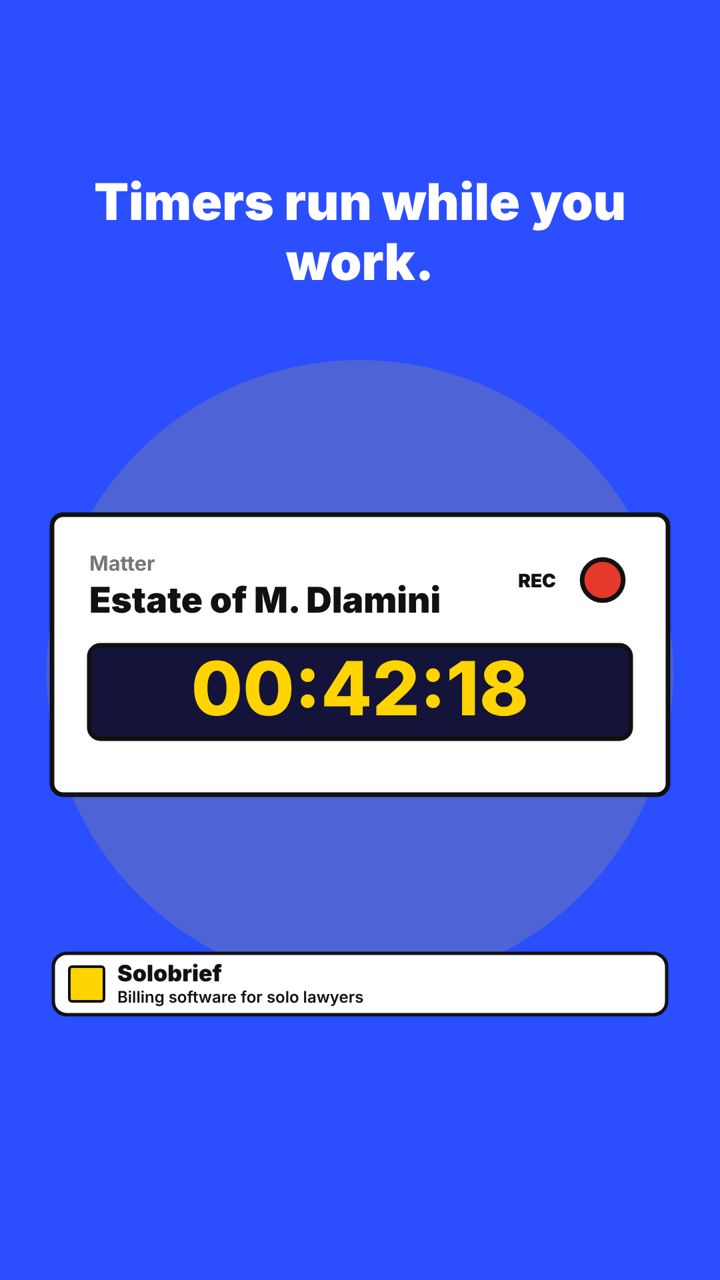
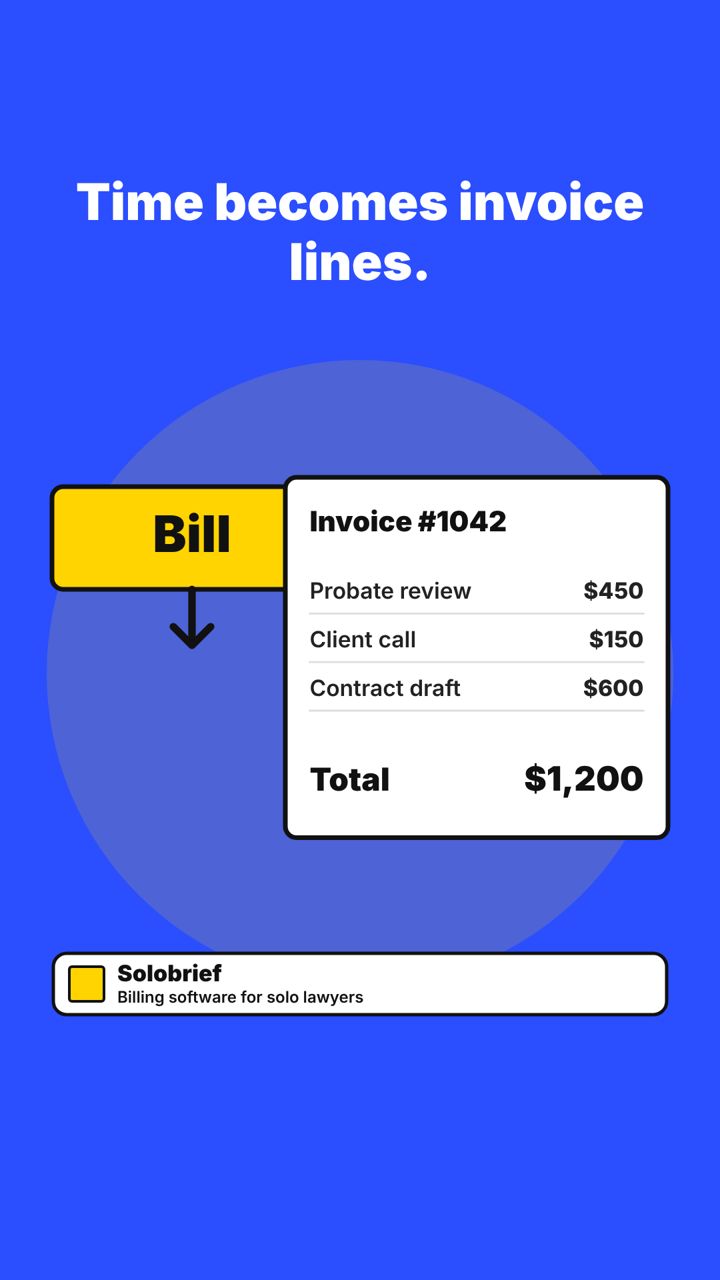
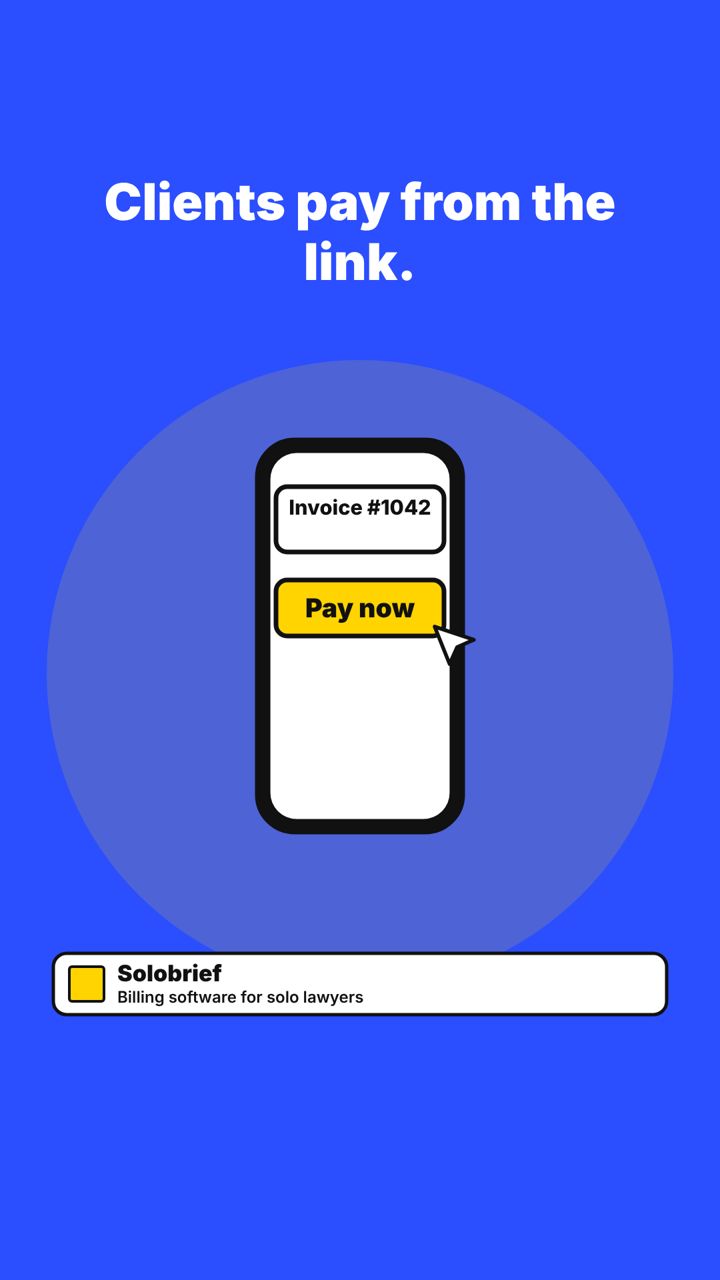
Scene 1It is 9 pm.Scene 2Rebuilding your week from memory.Scene 3Half the hours are guesses.Scene 4Timers run while you work.Scene 5Time becomes invoice lines.Scene 6Clients pay from the link.Scene 7Start billing every hour you work.
Caption
Bill the hour you worked, not the hour you remembered.
If you rebuild your week from memory every Friday night, half of your hours are guesses.
Solobrief tracks your time while you work, turns it into invoices, and lets clients pay from the link.
Try it free for 14 days. No card needed.
#Solobrief #SoloLawyer #LegalTech #LawPractice
ReelFriday 13 NovemberLinkedIn
Reel (short video). Each picture is one scene, in order.
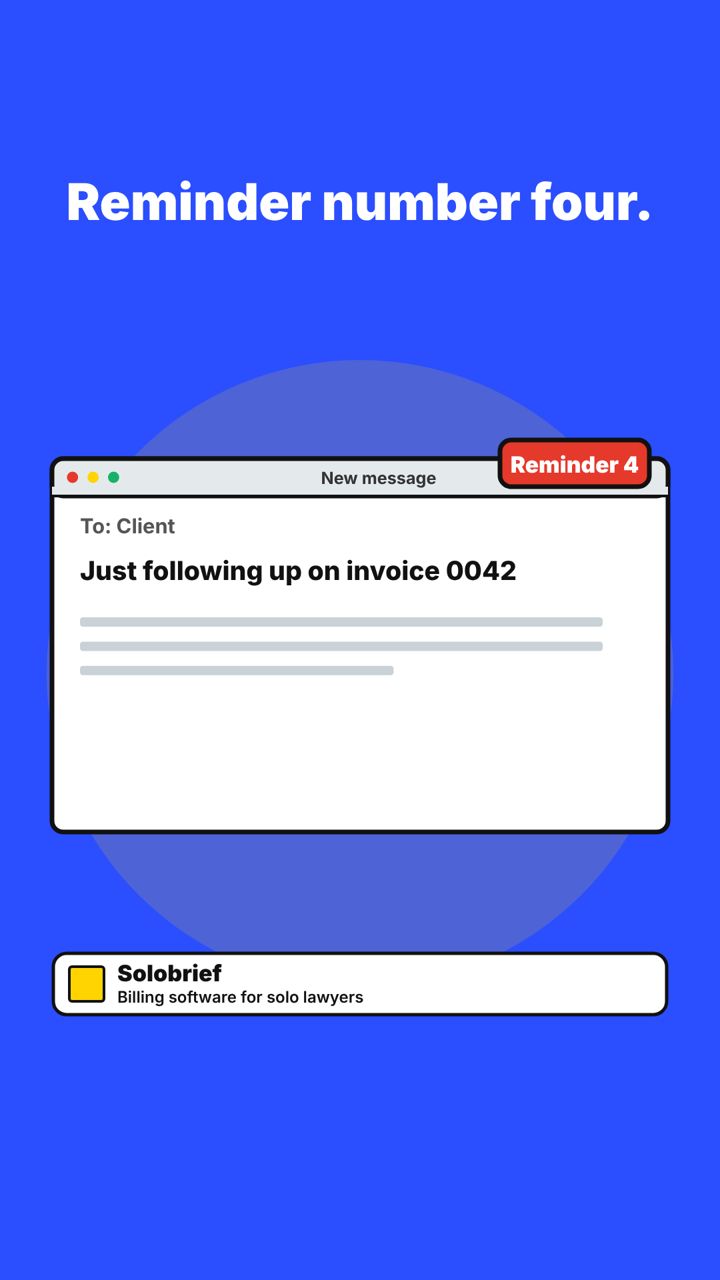
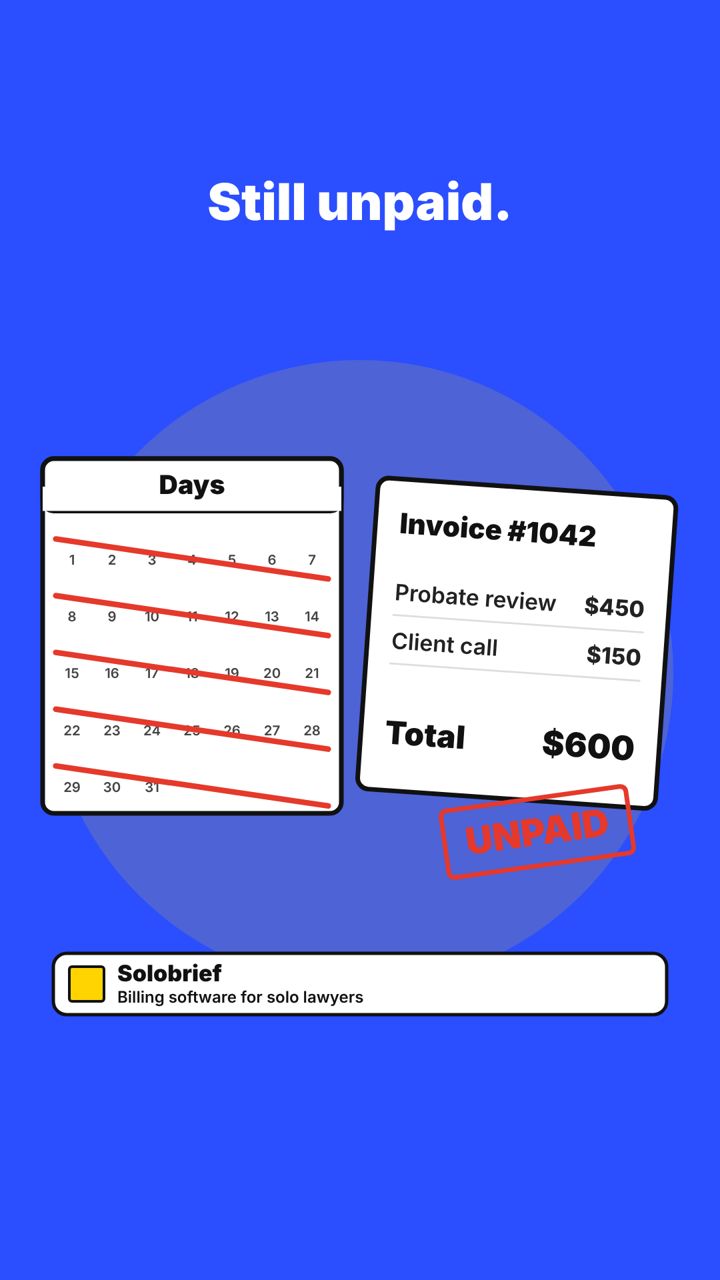
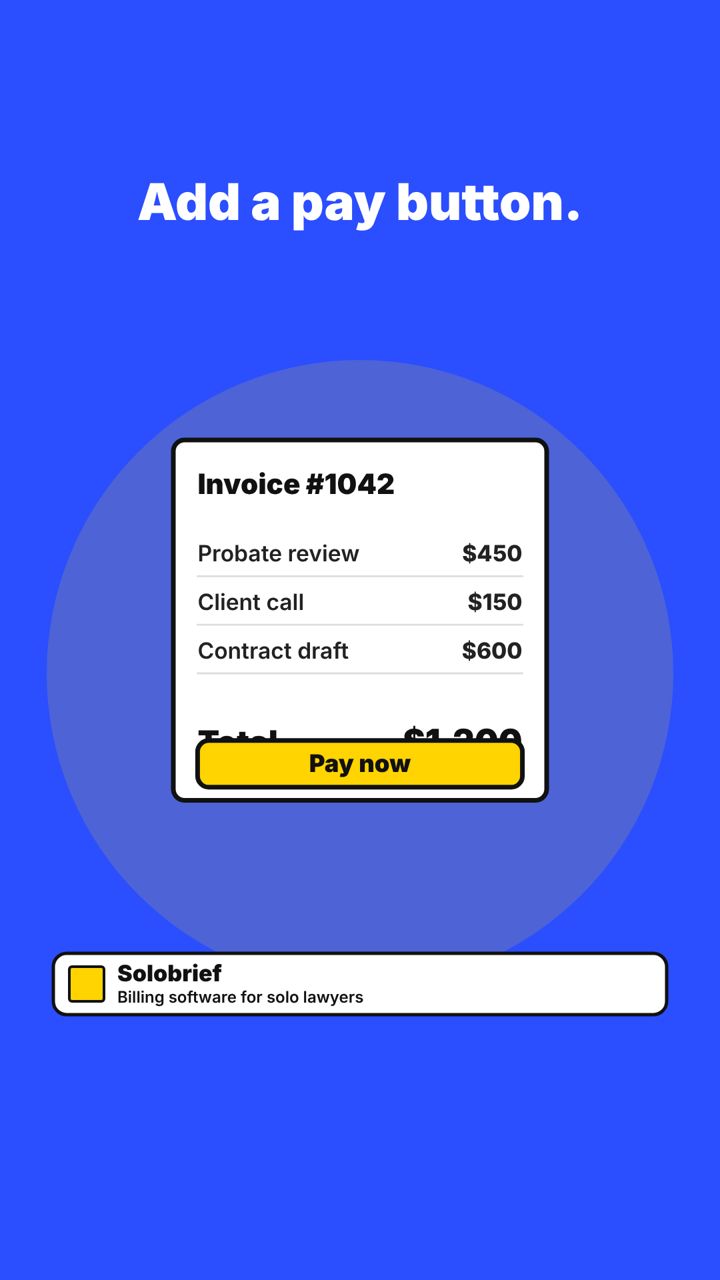
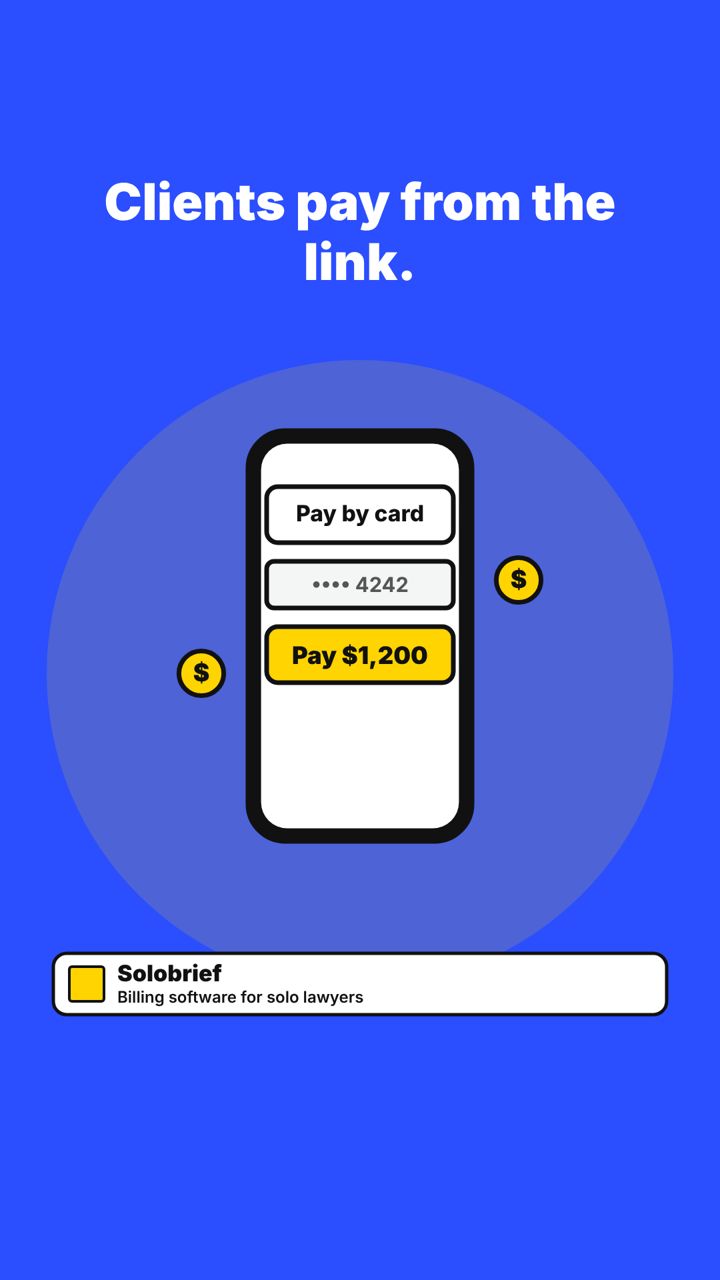
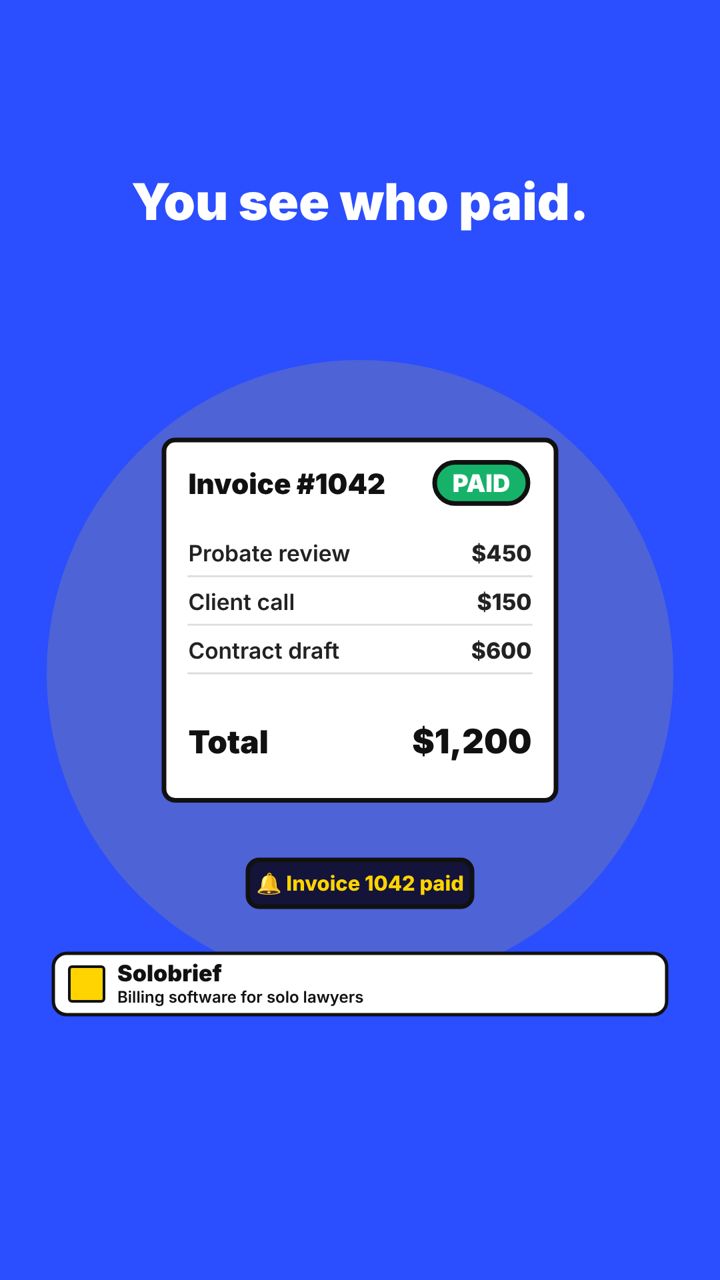
Scene 1Reminder number four.Scene 2Still unpaid.Scene 3Add a pay button.Scene 4Clients pay from the link.Scene 5You see who paid.Scene 6Get paid without the chasing.
Caption
Chasing payments takes time you could bill.
Add a pay button to your invoice and let clients settle in a few taps.
Solobrief shows you who paid, so you stop sending reminders.
#Solobrief #SoloLawyer #LegalTech #GetPaidFaster
Figures and customer details are samples for the mockup.
The strategy
Audience
CIOs, CFOs, and nursing leaders at community and rural hospitals under 200 beds
Social goal
Drive walkthrough requests
Content pillars
Fixed-price rollouts; dated plans; nurse workload
Voice
Plain, reassuring, practical
Visual rules
Wine, amber, and white. Soft, rounded shapes.
Cadence
2 posts a week
Funnel focus
Awareness in week 1, then walkthrough prompts
Success metrics
Landing page clicks, walkthrough requests, share of leads from senior hospital titles
4 LinkedIn posts: carousels first, then the still image, then the reels. Each shows the caption and every slide or scene in order.
CarouselTuesday 3 NovemberLinkedIn
Carousel (swipe post). Each picture is one slide, in order.
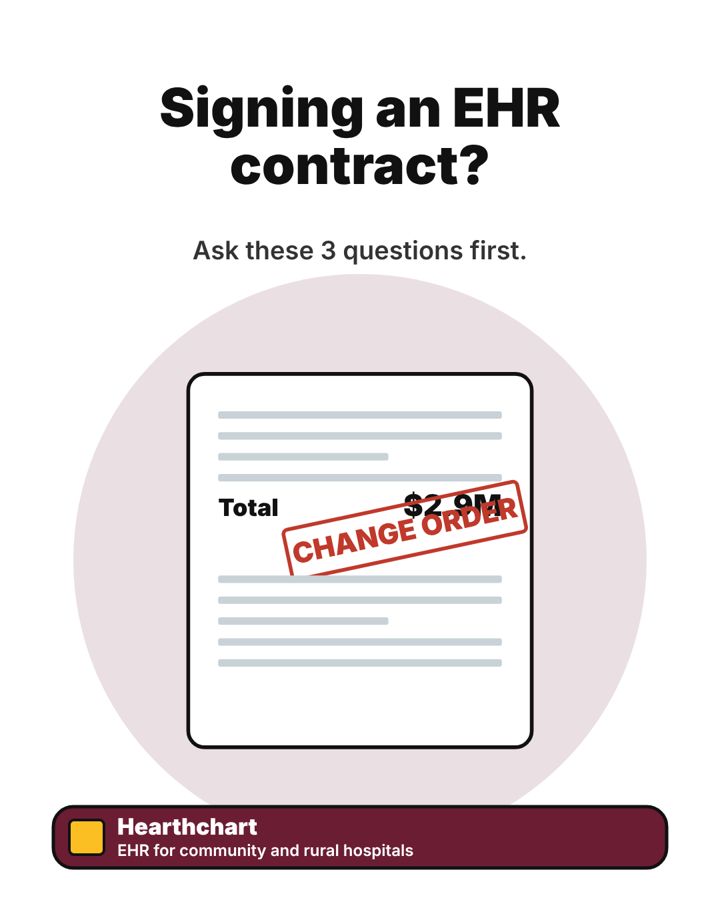
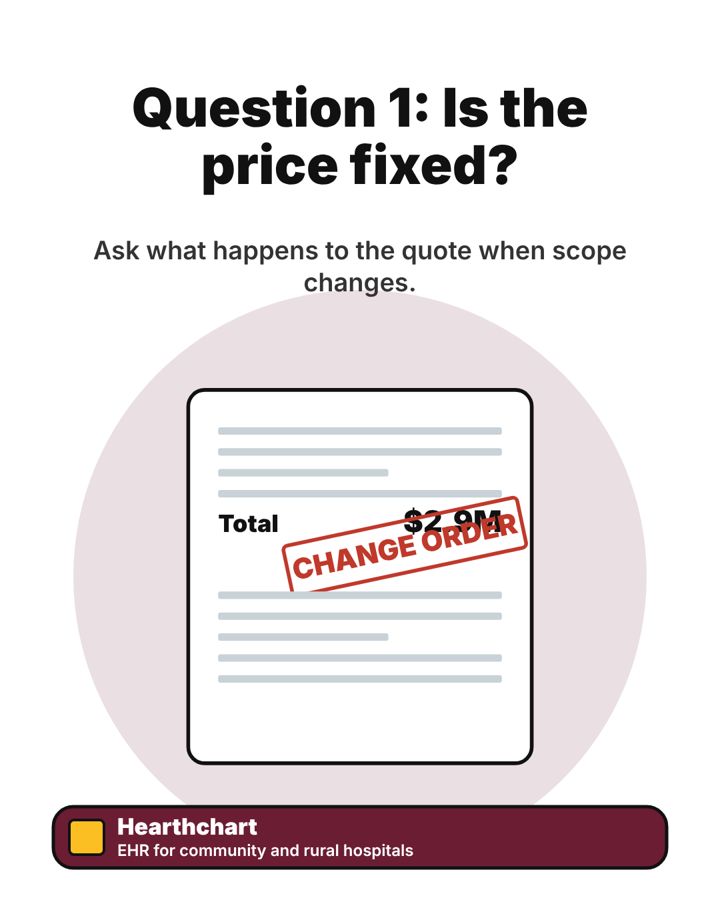
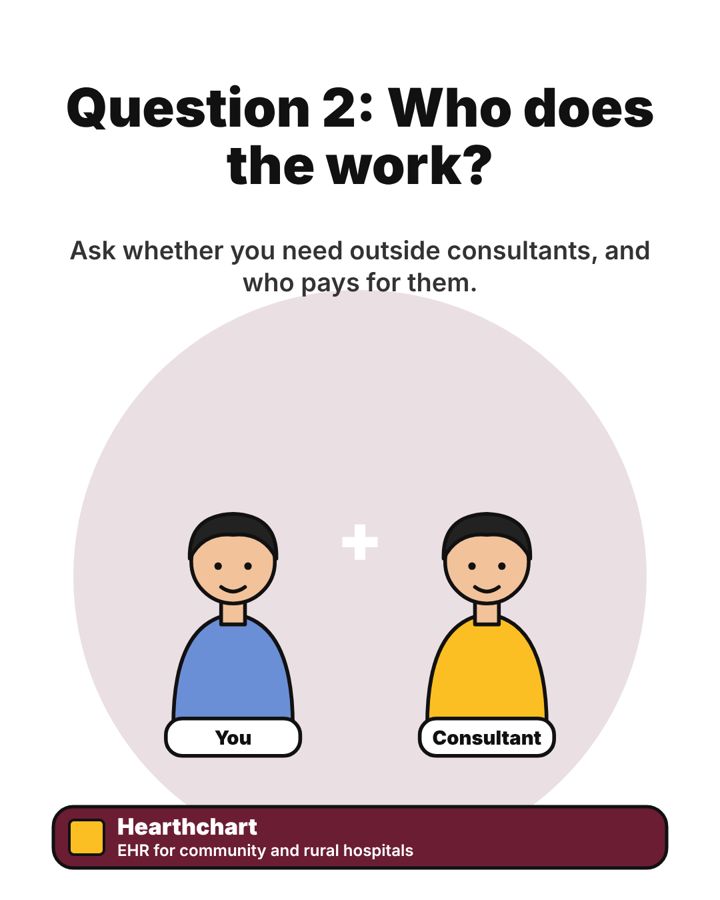
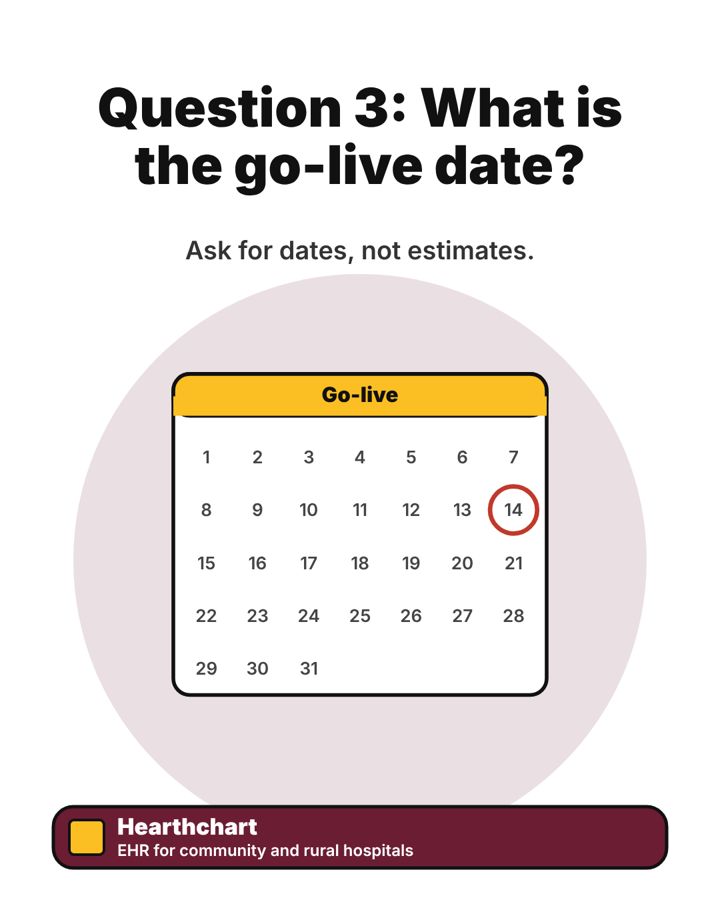
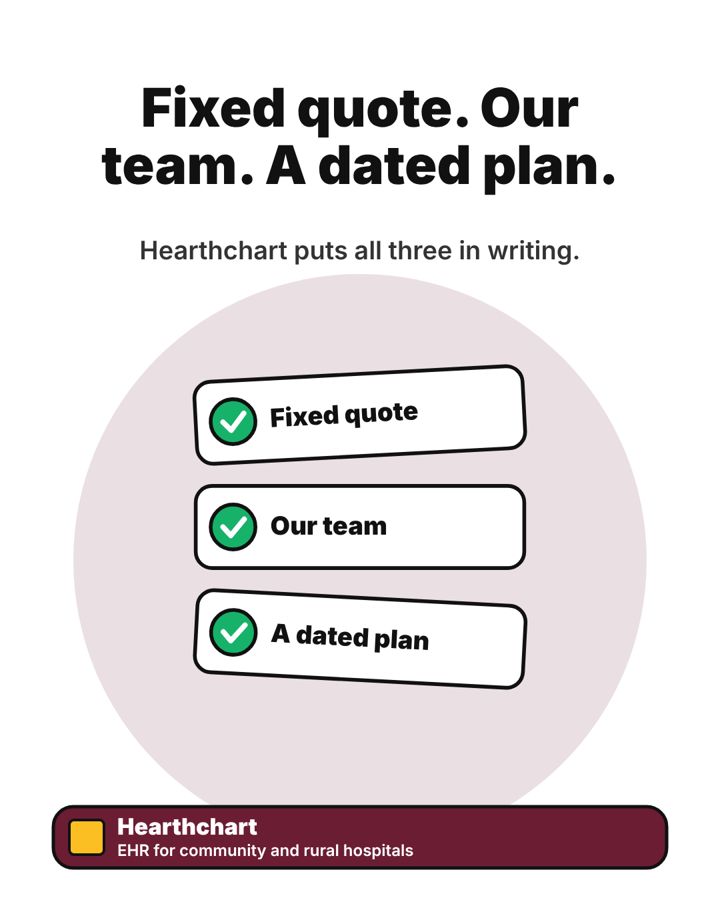
Slide 1Signing an EHR contract?Slide 2Question 1: Is the price fixed?Slide 3Question 2: Who does the work?Slide 4Question 3: What is the go-live date?Slide 5Fixed quote. Our team. A dated plan.Slide 6Get your fixed quote and 90-day plan.
Caption
Signing an EHR contract is a five-to-ten-year decision.
These three questions show you how a vendor really works, before you sign.
Hearthchart answers all three in writing.
#Hearthchart #HealthcareIT #HospitalLeadership #EHR
CarouselThursday 12 NovemberLinkedIn
Carousel (swipe post). Each picture is one slide, in order.
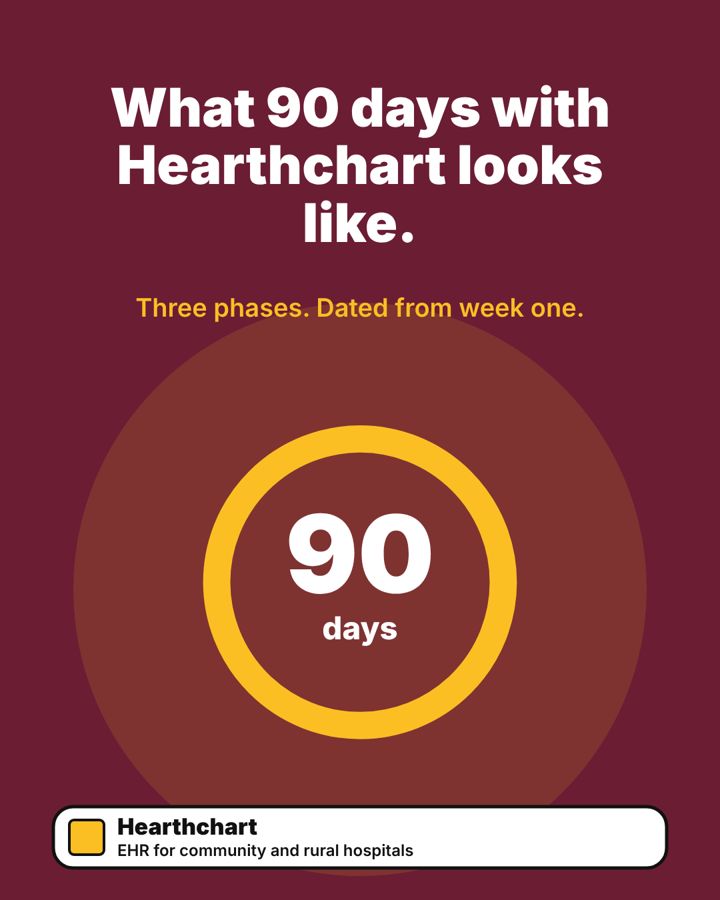
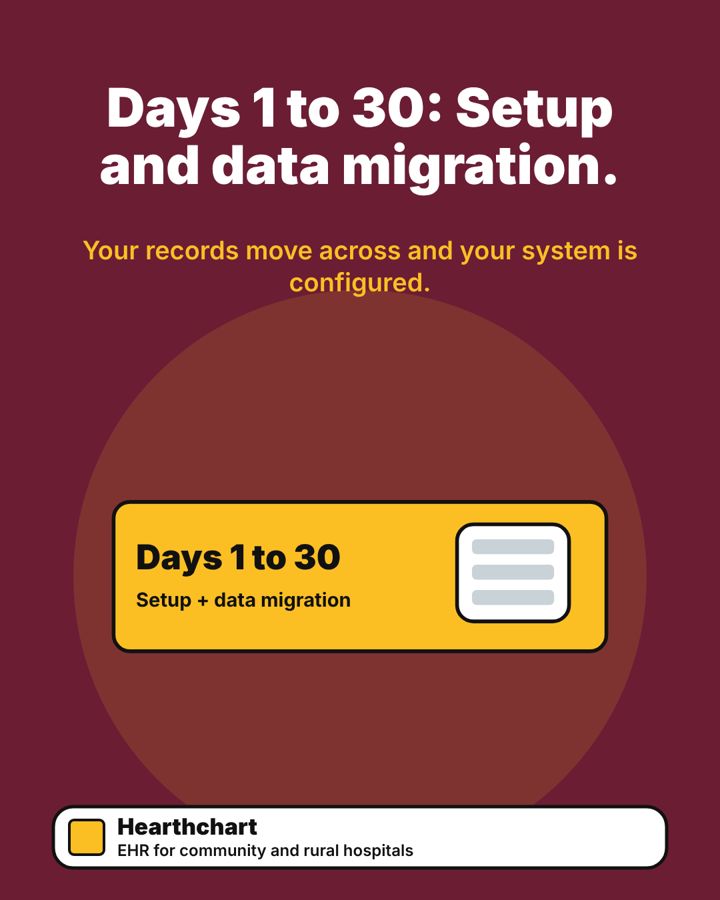
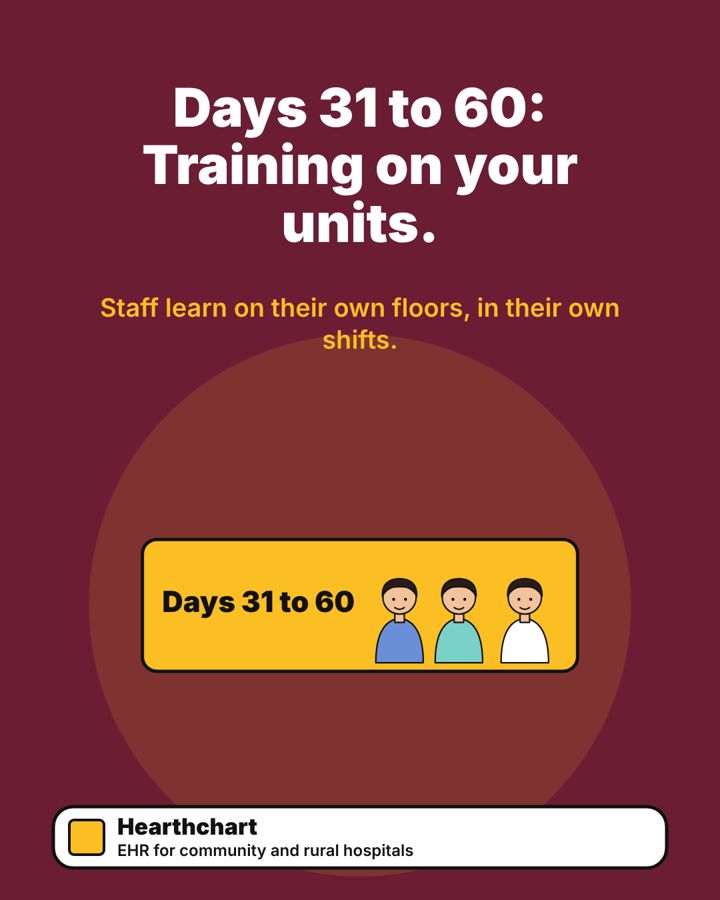
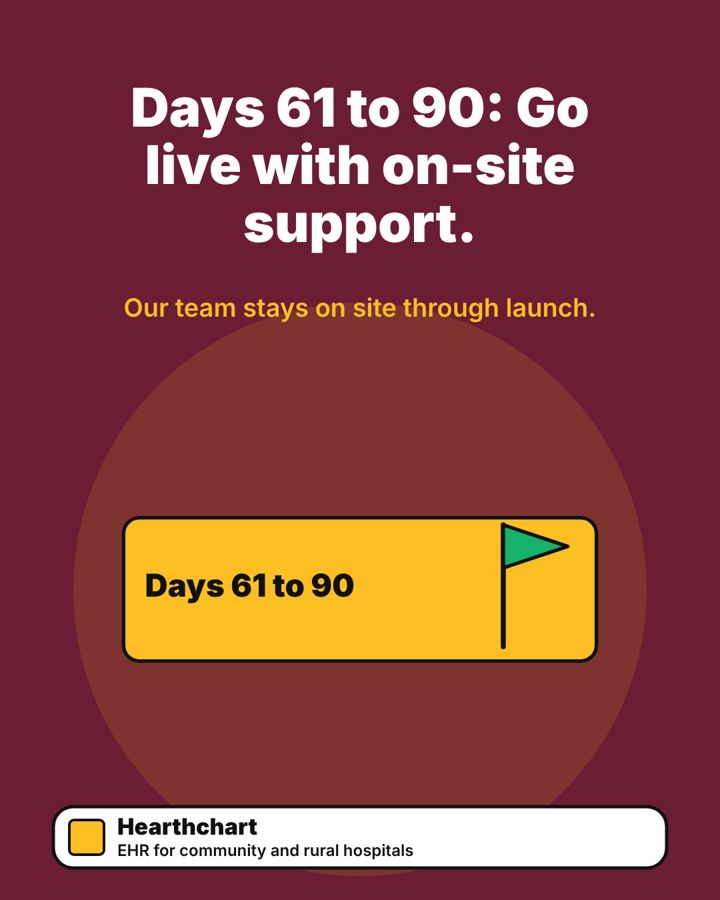
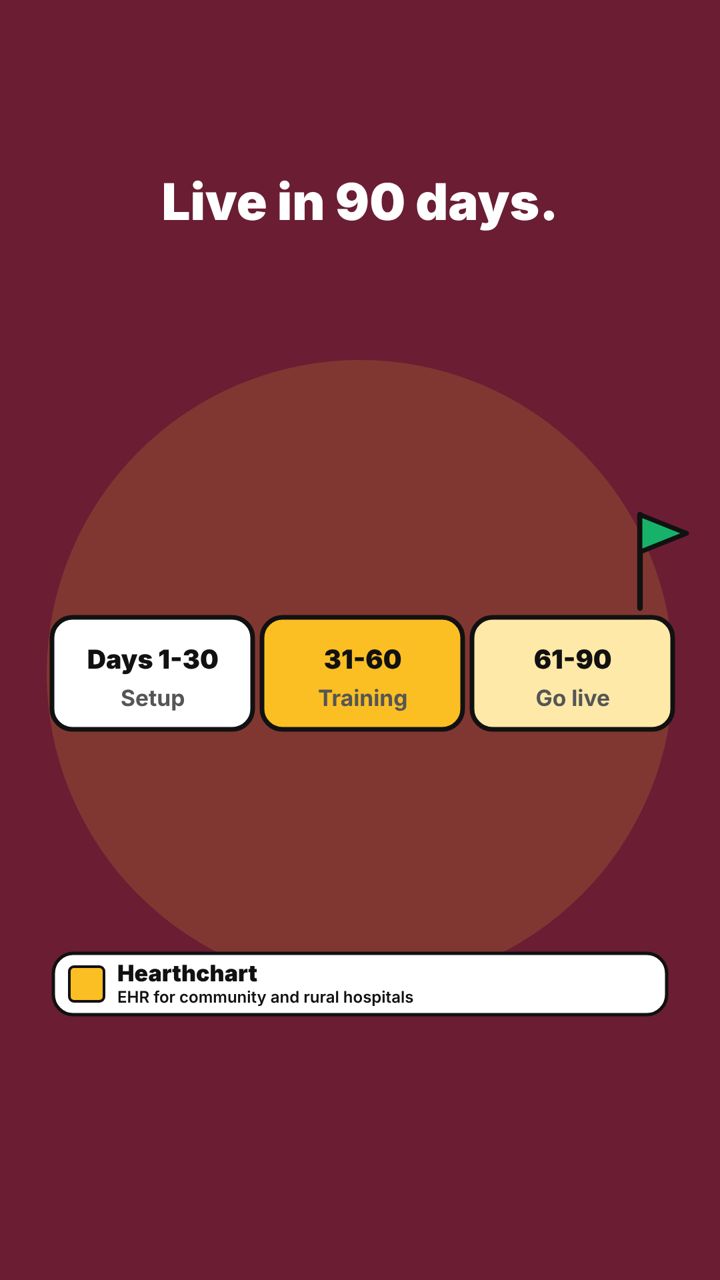
Slide 1What 90 days with Hearthchart looks like.Slide 2Days 1 to 30: Setup and data migration.Slide 3Days 31 to 60: Training on your units.Slide 4Days 61 to 90: Go live with on-site support.Slide 5Get your fixed quote and 90-day plan.
Caption
A 90-day rollout is easier to trust when you can see the dates.
Here is what the three phases look like, from setup to go-live.
Hearthchart builds your plan on day one and trains your staff on their own units.
#Hearthchart #CommunityHospitals #EHR #HealthcareIT
Still imageFriday 13 NovemberLinkedIn
Still image (single picture post).
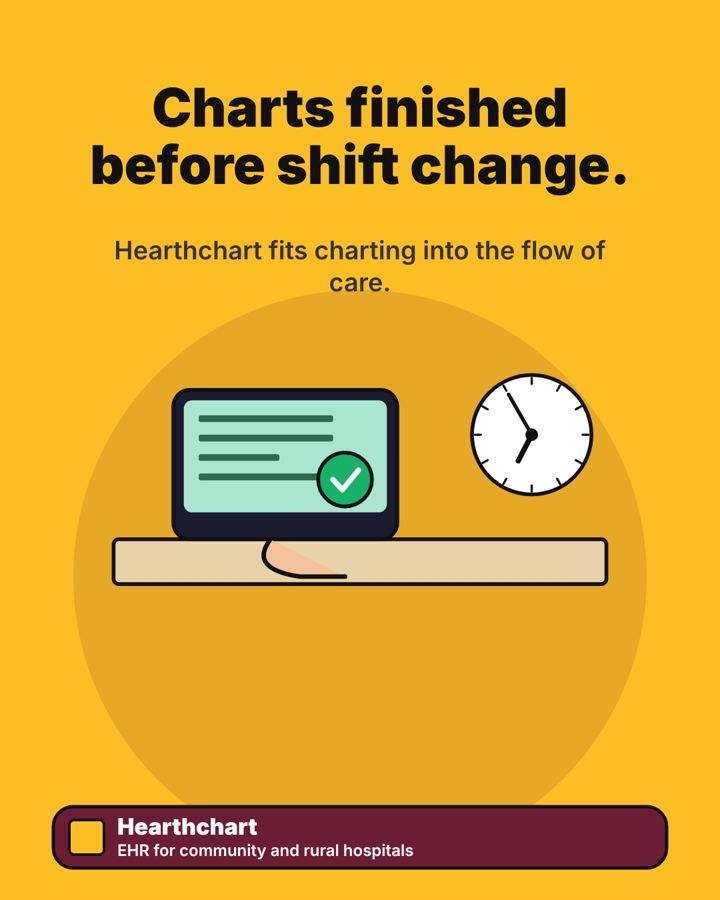
Image 1Charts finished before shift change.
Caption
Charting should fit into the flow of care, not follow it.
Hearthchart is built for community hospitals, so nurses finish their charts before the shift changes.
#Hearthchart #NursingLeadership #HealthcareIT #CommunityHospitals
ReelMonday 2 NovemberLinkedIn
Reel (short video). Each picture is one scene, in order.
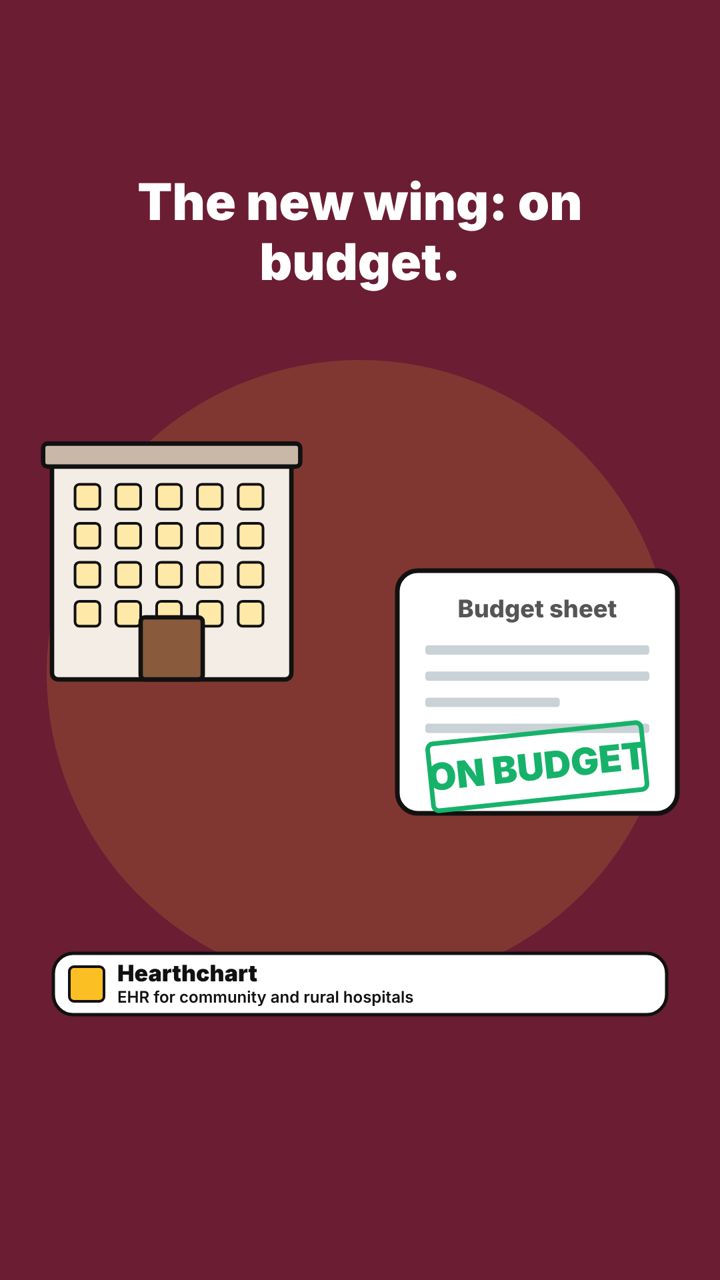
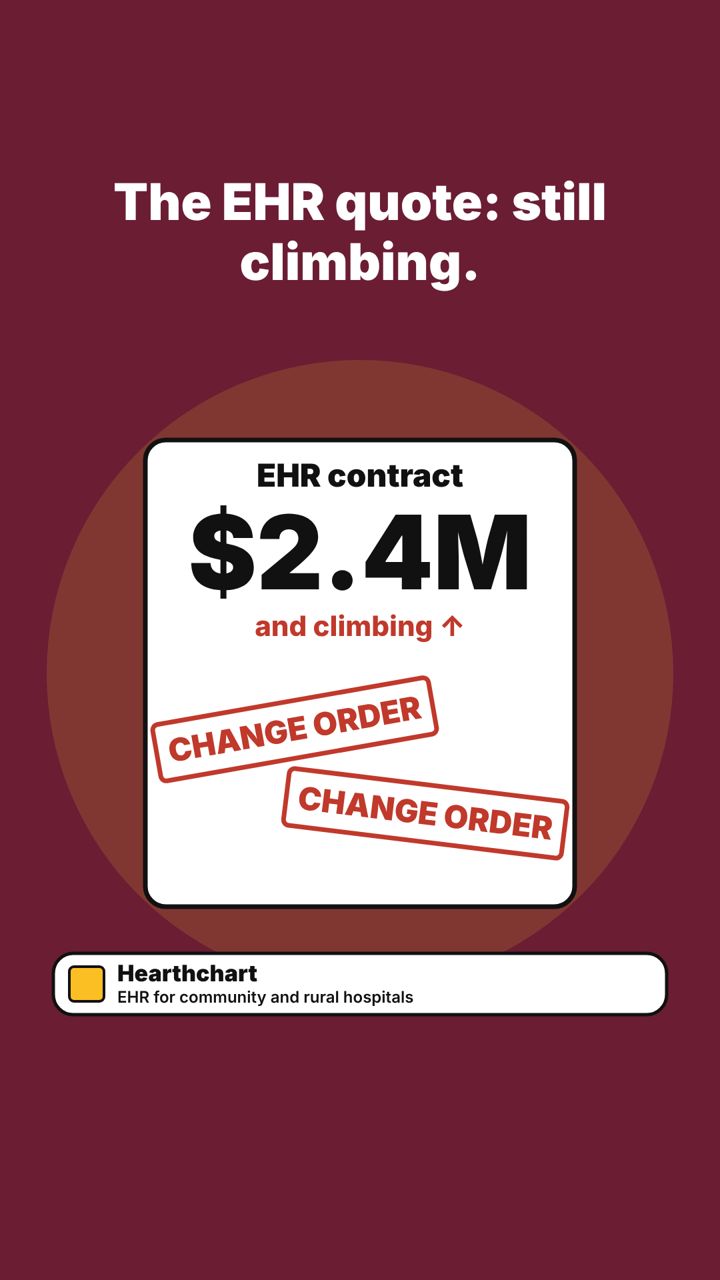
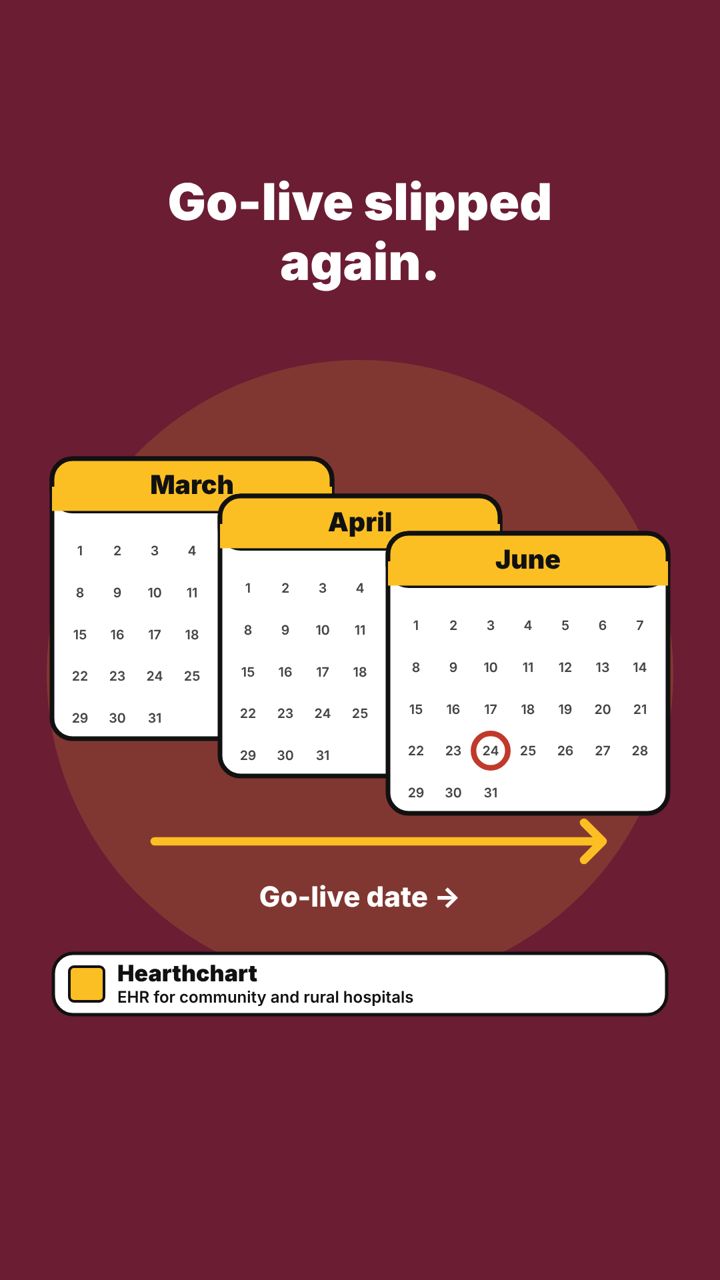
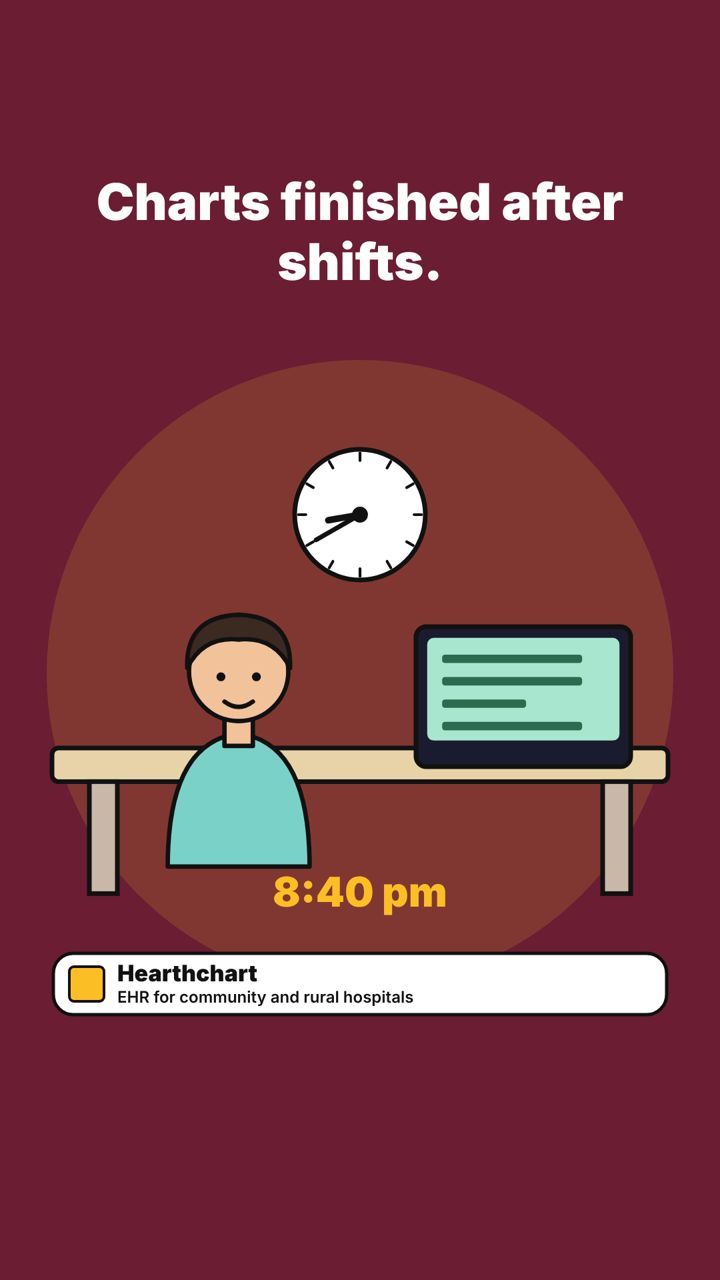
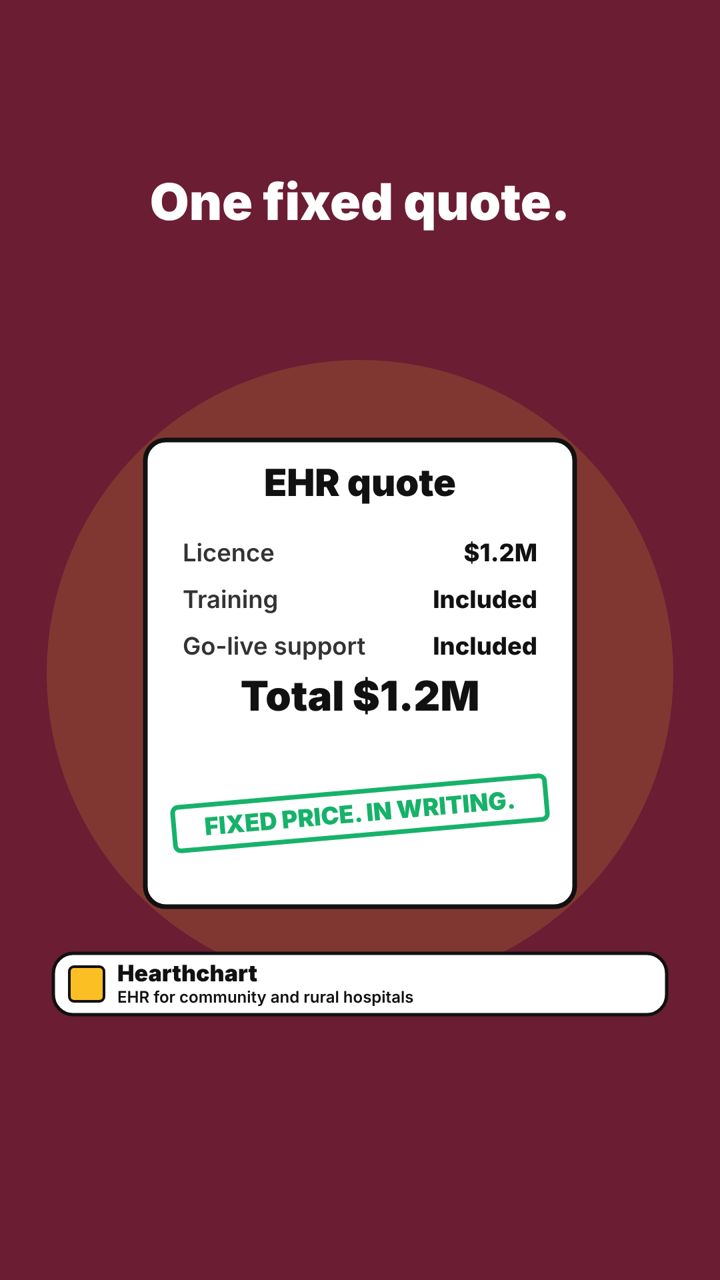
Scene 1The new wing: on budget.Scene 2The EHR quote: still climbing.Scene 3Go-live slipped again.Scene 4Charts finished after shifts.Scene 5One fixed quote.Scene 6Live in 90 days.Scene 7Get your fixed quote and 90-day plan.
Caption
Your EHR contract should not cost more than your new wing.
Quotes grow with change orders. Launch dates slip. Nurses finish their charts after their shifts.
Hearthchart gives community and rural hospitals one fixed quote and a dated 90-day plan.
This is what a planned rollout looks like.
#Hearthchart #CommunityHospitals #HealthcareIT #EHR
Figures and customer details are samples for the mockup.
The strategy
Audience
Clinical operations and quality leads at biotechs under 100 staff
Social goal
Drive demo requests
Content pillars
Inspection readiness; document control; fast setup
Voice
Precise, calm, regulation-literate
Visual rules
Dark green, mint, and white. Clean grids. Sharp corners.
Cadence
2 posts a week
Funnel focus
Awareness in weeks 1 and 2, then demo prompts
Success metrics
Landing page clicks, demo requests, share of leads from clinical operations titles
4 LinkedIn posts: carousels first, then the still image, then the reels. Each shows the caption and every slide or scene in order.
CarouselTuesday 3 NovemberLinkedIn
Carousel (swipe post). Each picture is one slide, in order.
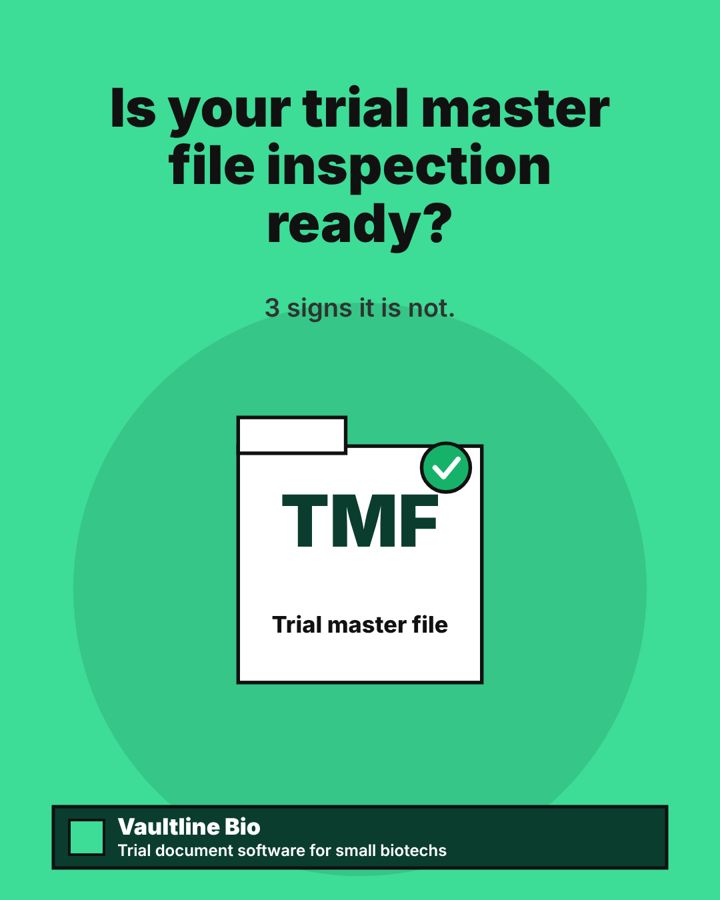
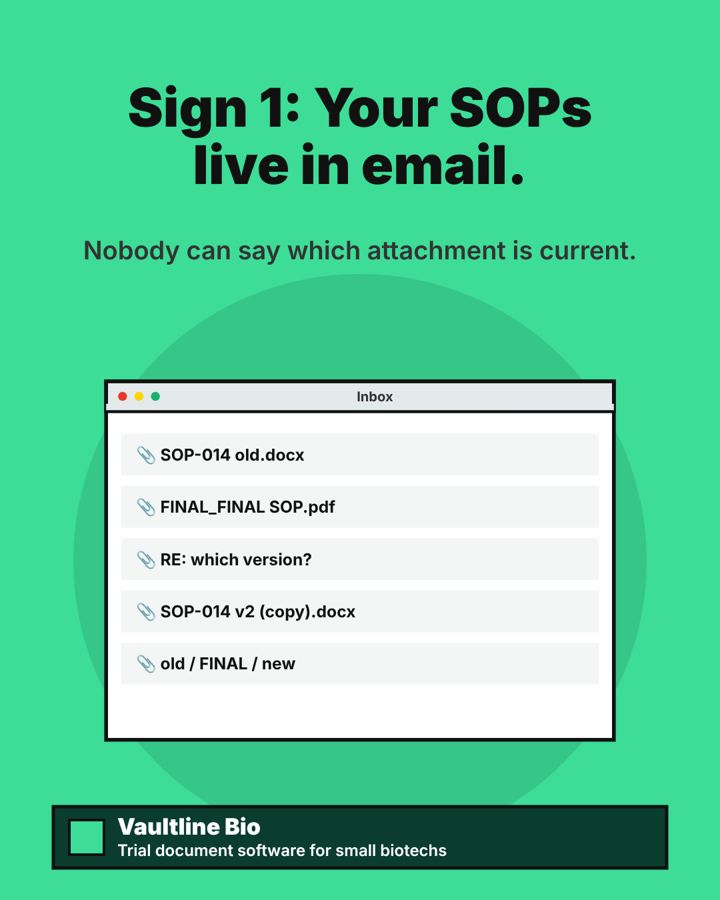
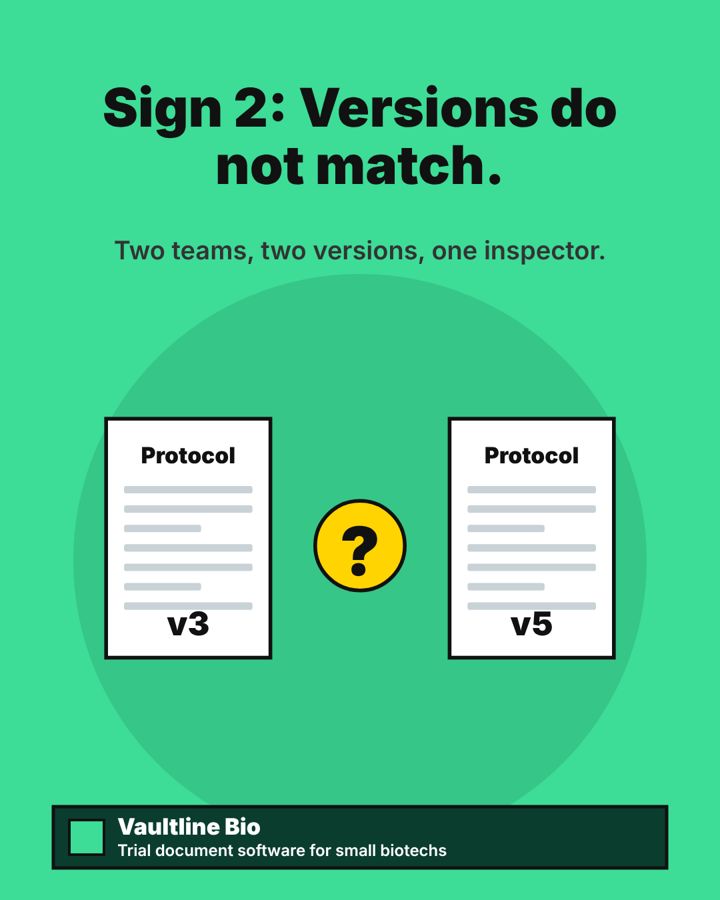
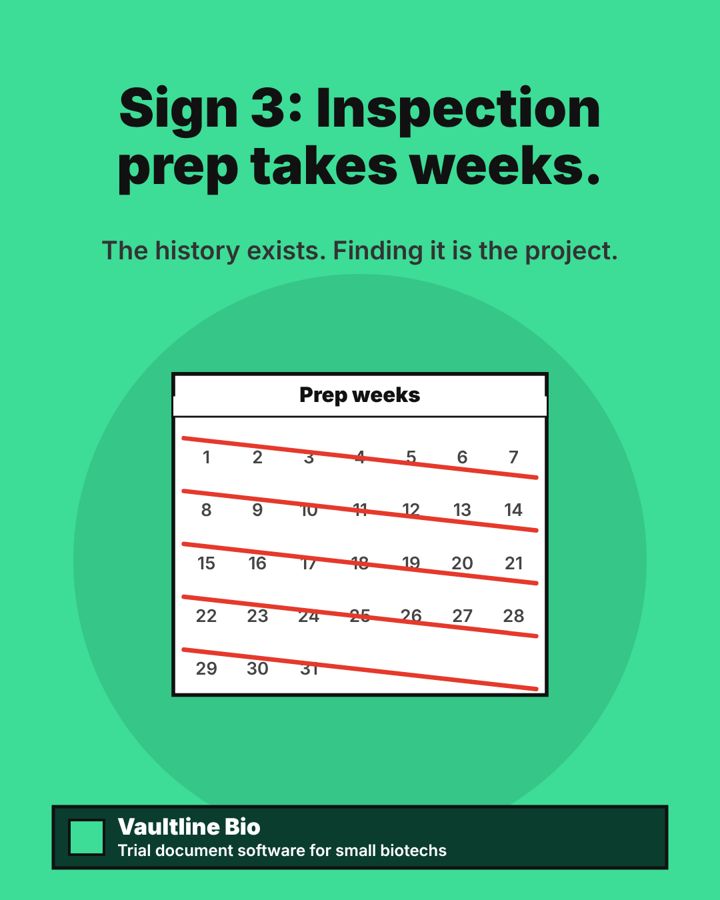
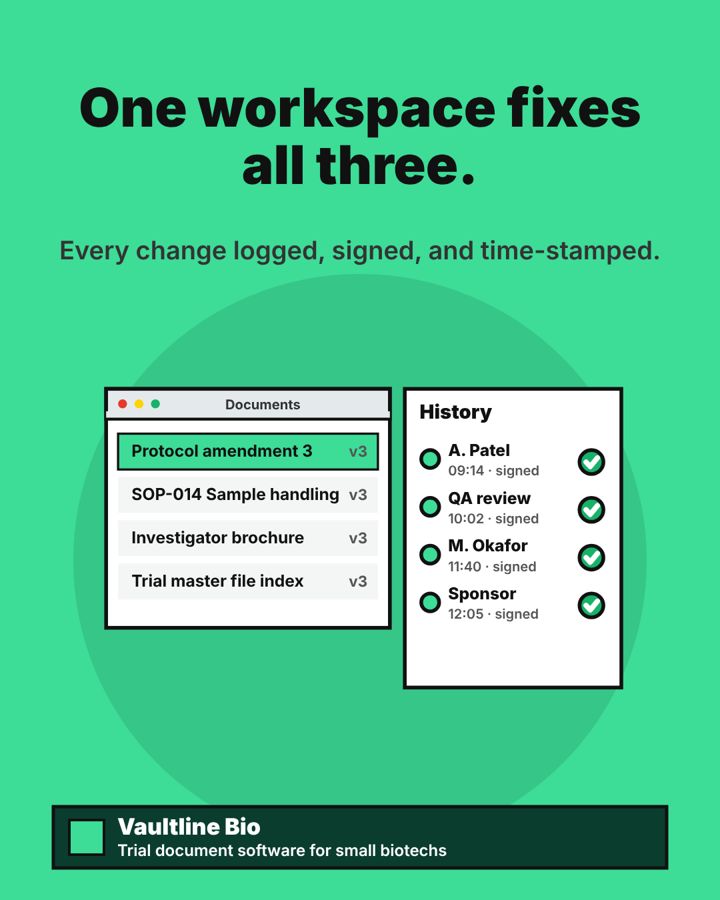
Slide 1Is your trial master file inspection ready?Slide 2Sign 1: Your SOPs live in email.Slide 3Sign 2: Versions do not match.Slide 4Sign 3: Inspection prep takes weeks.Slide 5One workspace fixes all three.Slide 6Walk into your next inspection ready.
Caption
Inspection problems often start with documents, not science.
Here are three signs your trial files are not inspection ready, and what fixes each one.
Vaultline Bio gives small biotechs one validated home for trial documents, without an enterprise contract.
#VaultlineBio #TrialMasterFile #GCP #BiotechOps
Still imageThursday 12 NovemberLinkedIn
Still image (single picture post).
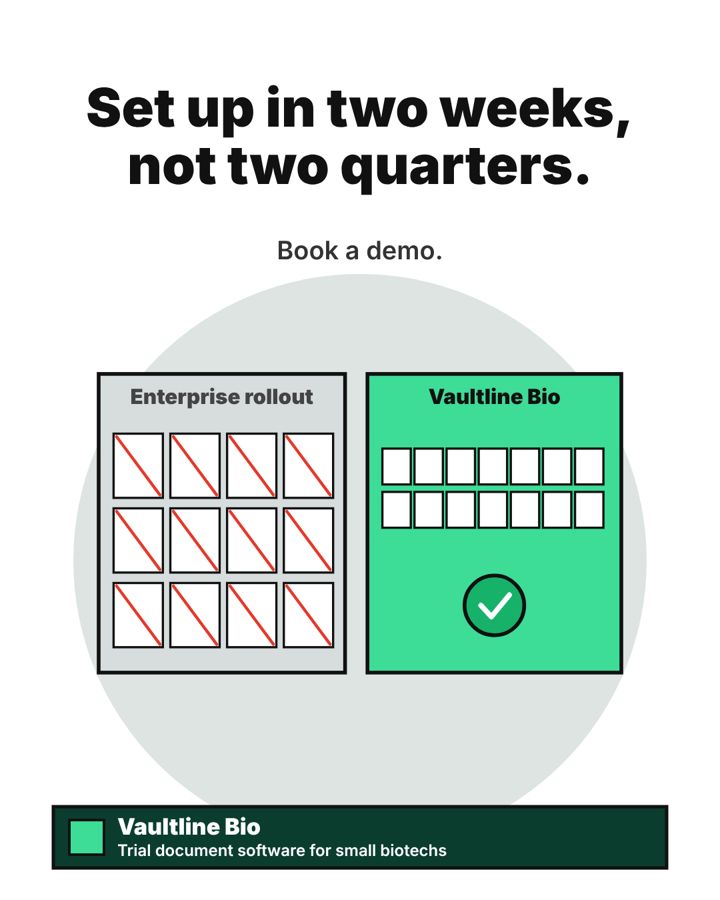
Image 1Set up in two weeks, not two quarters.
Caption
Big document systems need consultants and a long project plan.
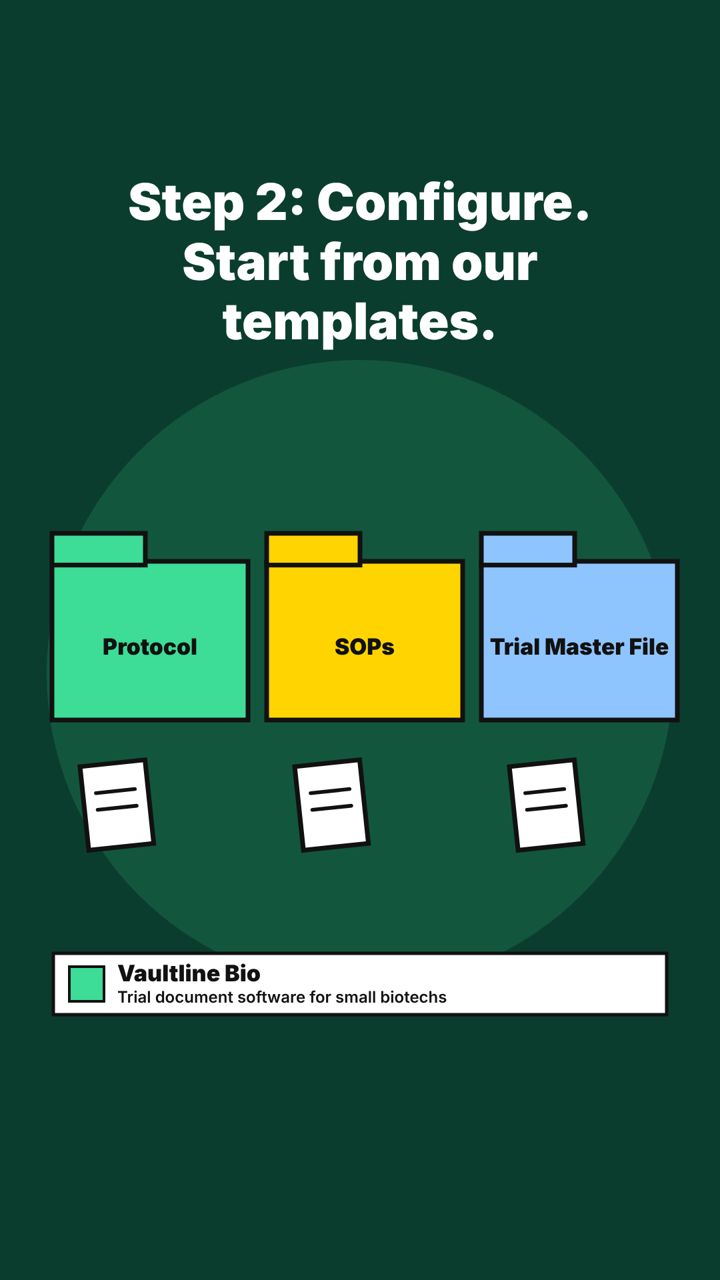
Vaultline Bio starts from templates for the documents small biotechs file most, so your team configures it instead of building it.
Set up your first study in two weeks. Migration of your first study is included.
#VaultlineBio #BiotechStartups #ClinicalOperations #eTMF
ReelMonday 2 NovemberLinkedIn
Reel (short video). Each picture is one scene, in order.
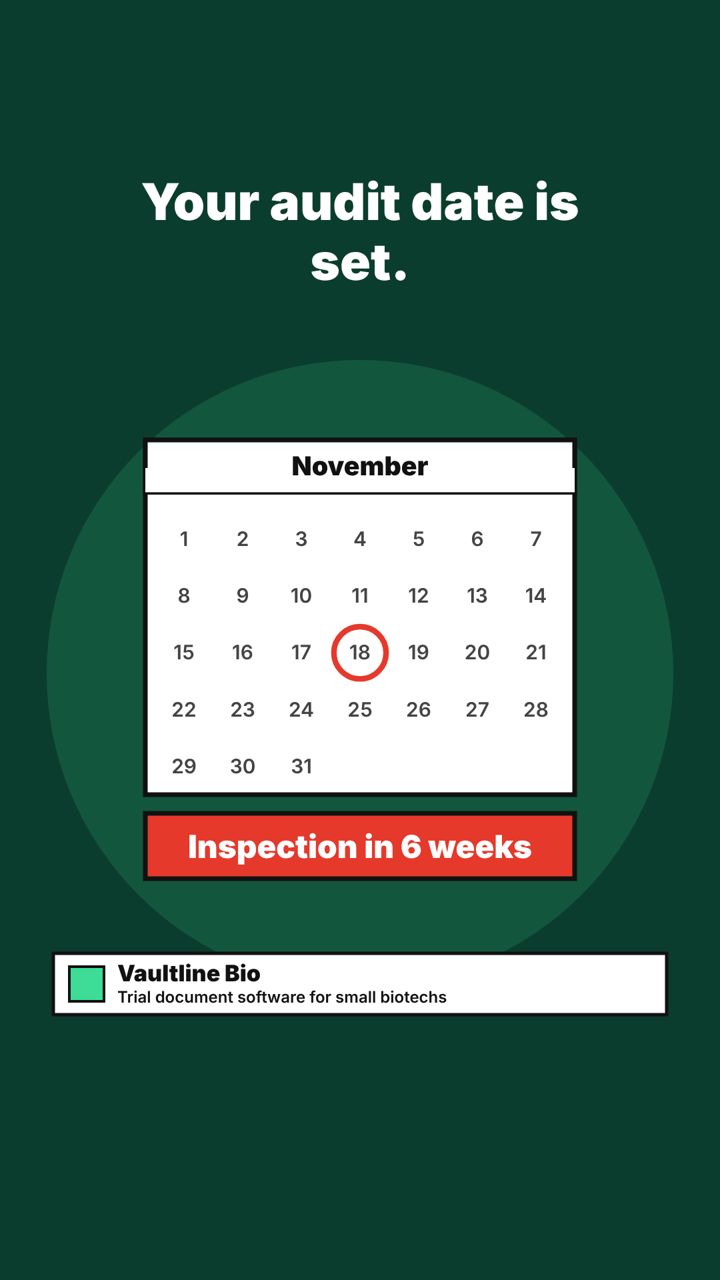
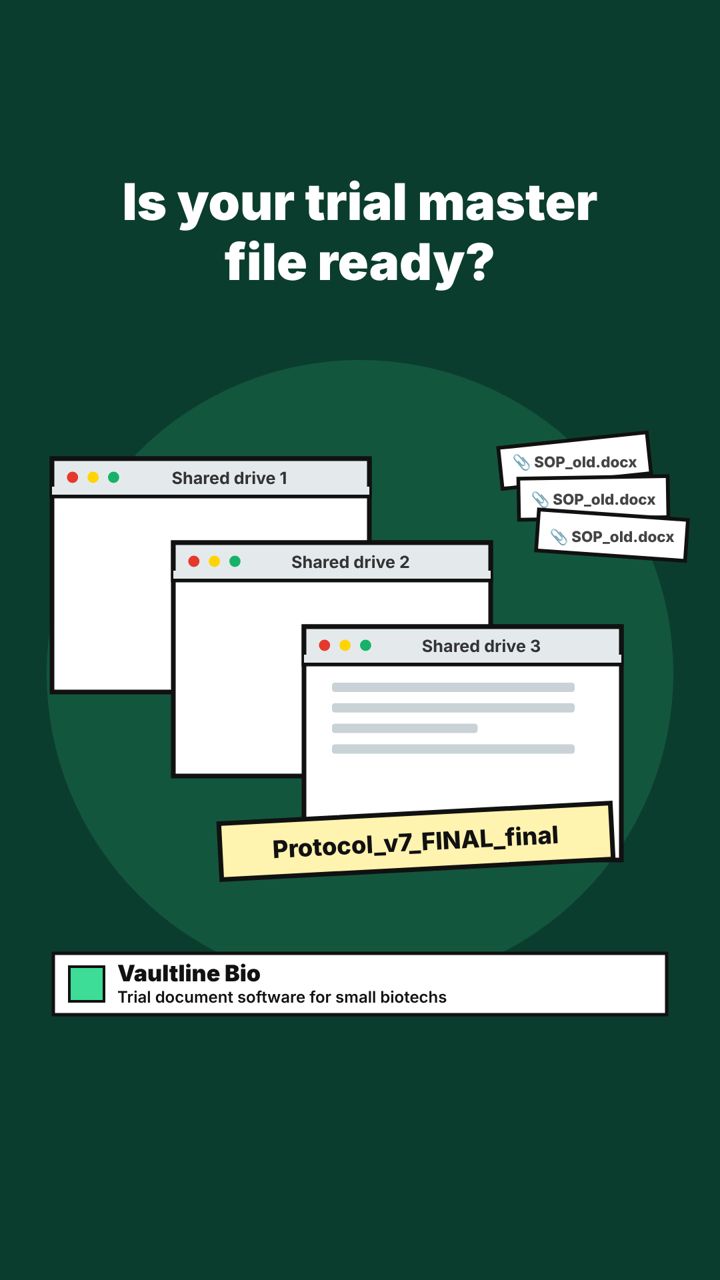
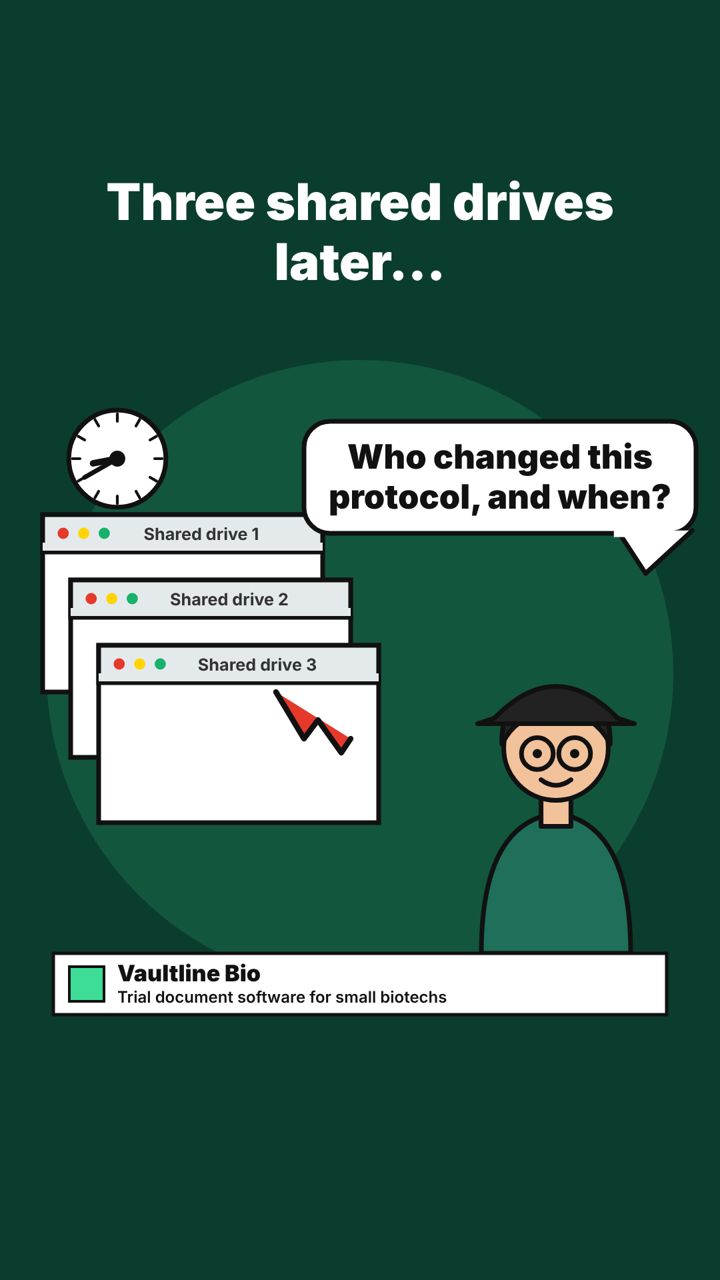
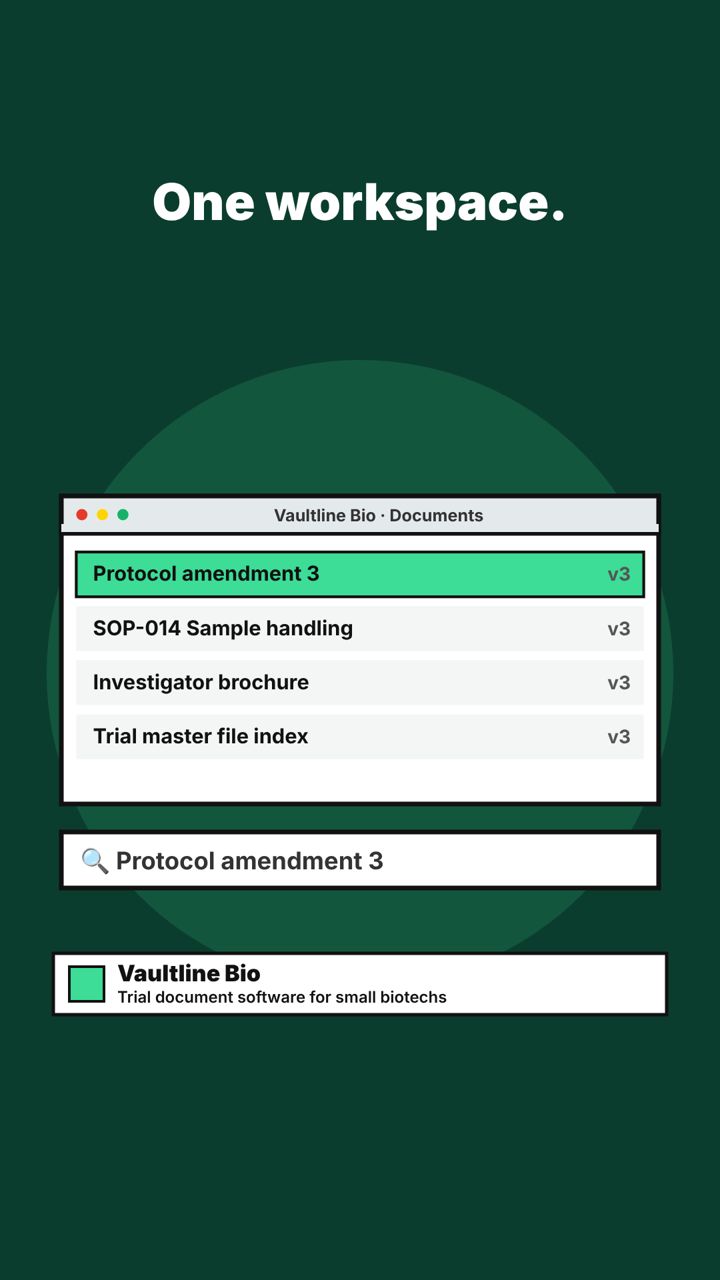
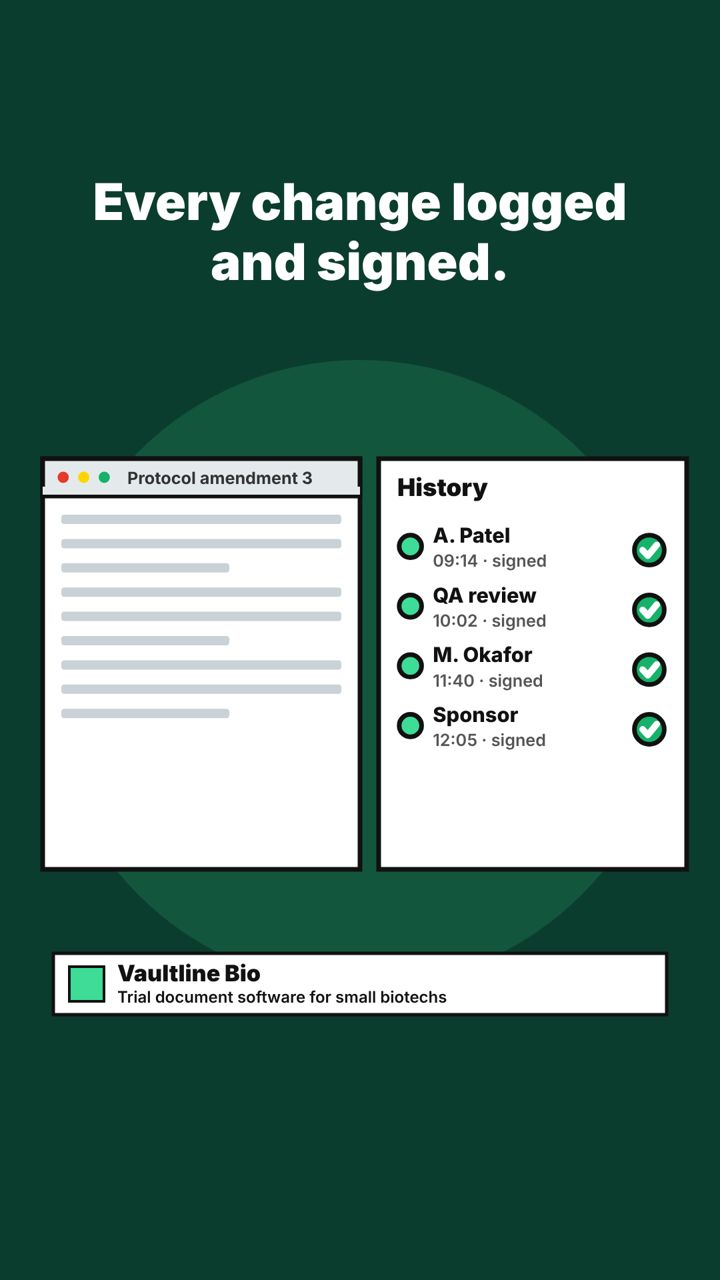
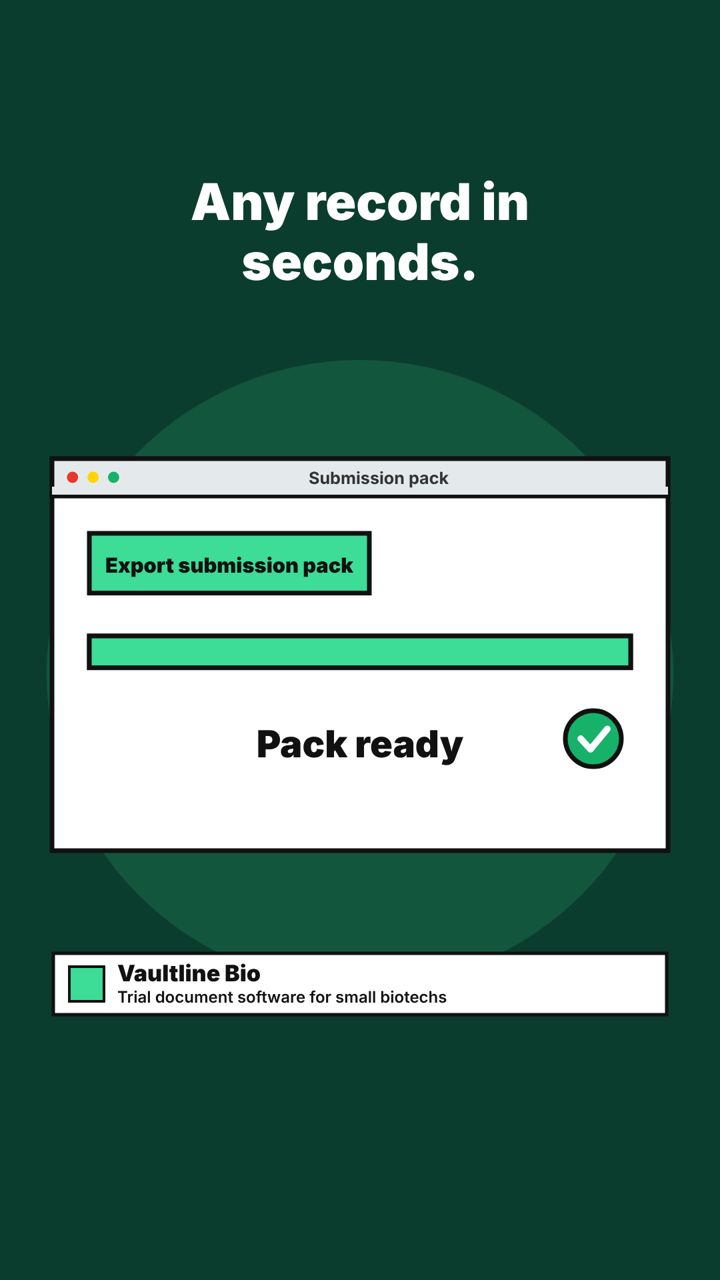
Scene 1Your audit date is set.Scene 2Is your trial master file ready?Scene 3Three shared drives later...Scene 4One workspace.Scene 5Every change logged and signed.Scene 6Any record in seconds.Scene 7Walk into your next inspection ready.
Caption
Your audit date is set. Is your trial master file ready?
When an inspector asks who changed a document, the answer should take seconds, not three shared drives and a long evening.
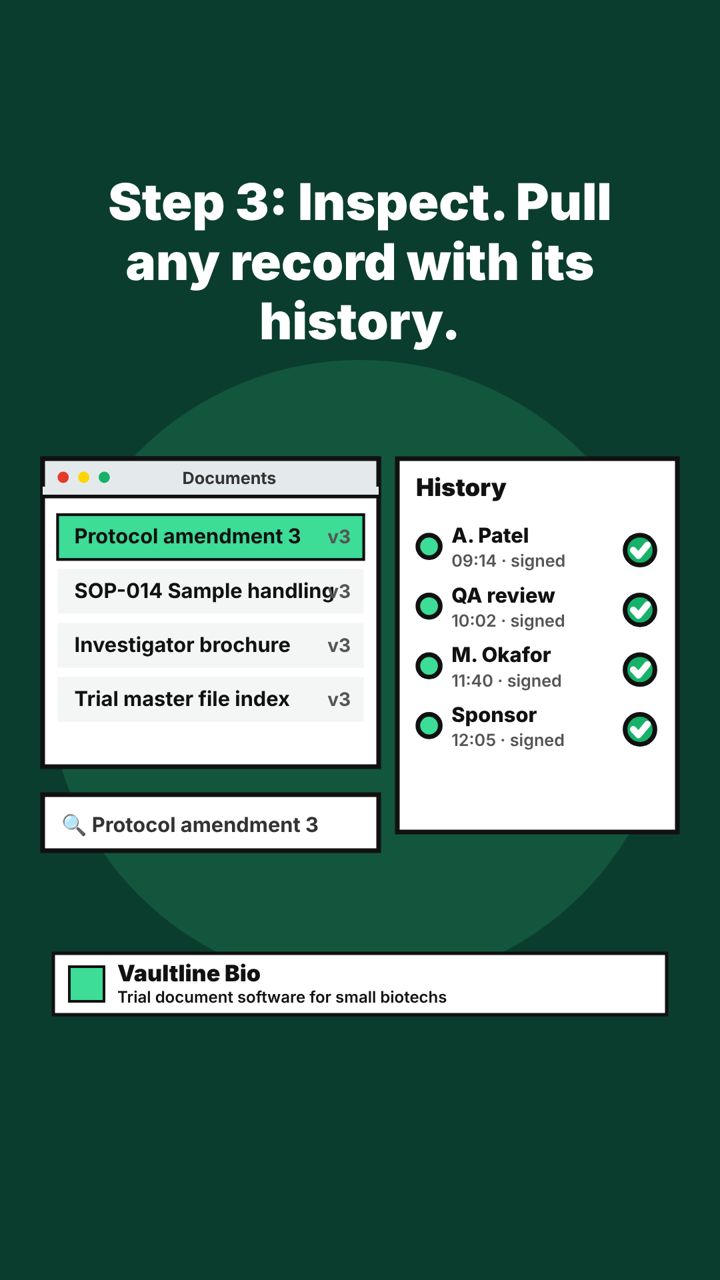
Vaultline Bio keeps trial documents, SOPs, and submissions in one validated workspace. Every change is logged and signed.
This is what inspection-ready looks like.
#VaultlineBio #eTMF #ClinicalOperations #BiotechOps
ReelFriday 13 NovemberLinkedIn
Reel (short video). Each picture is one scene, in order.
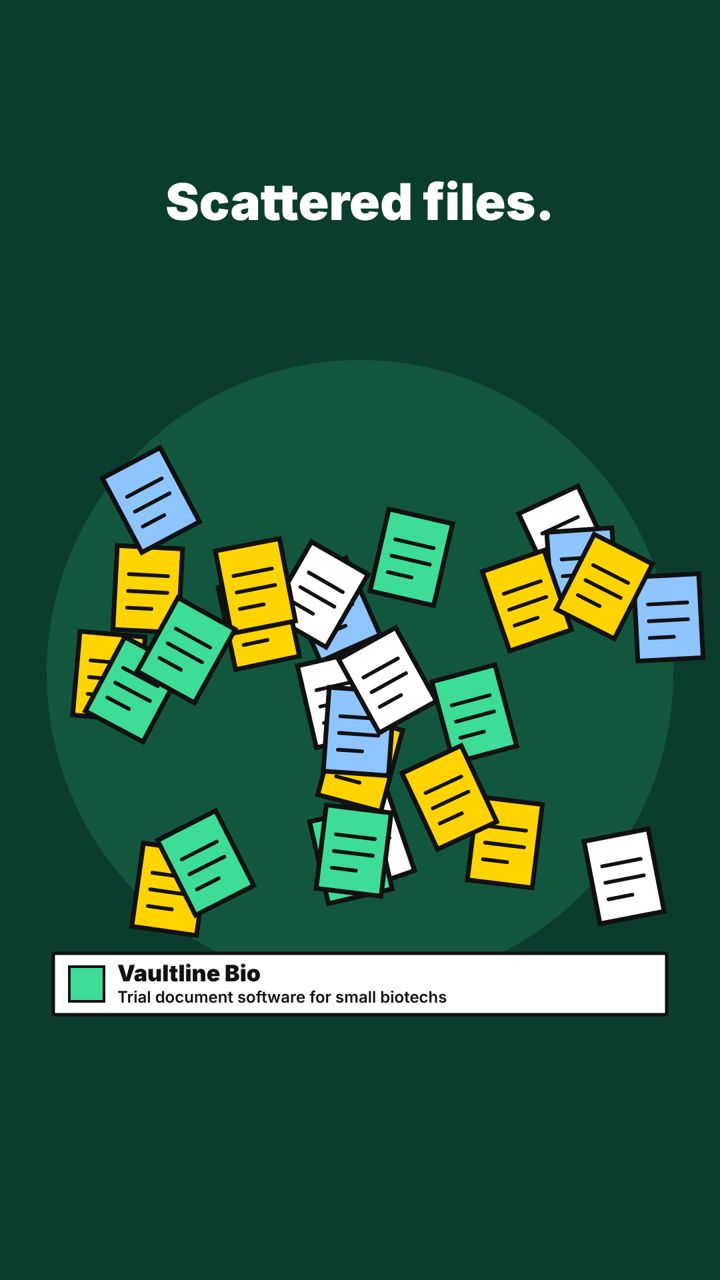
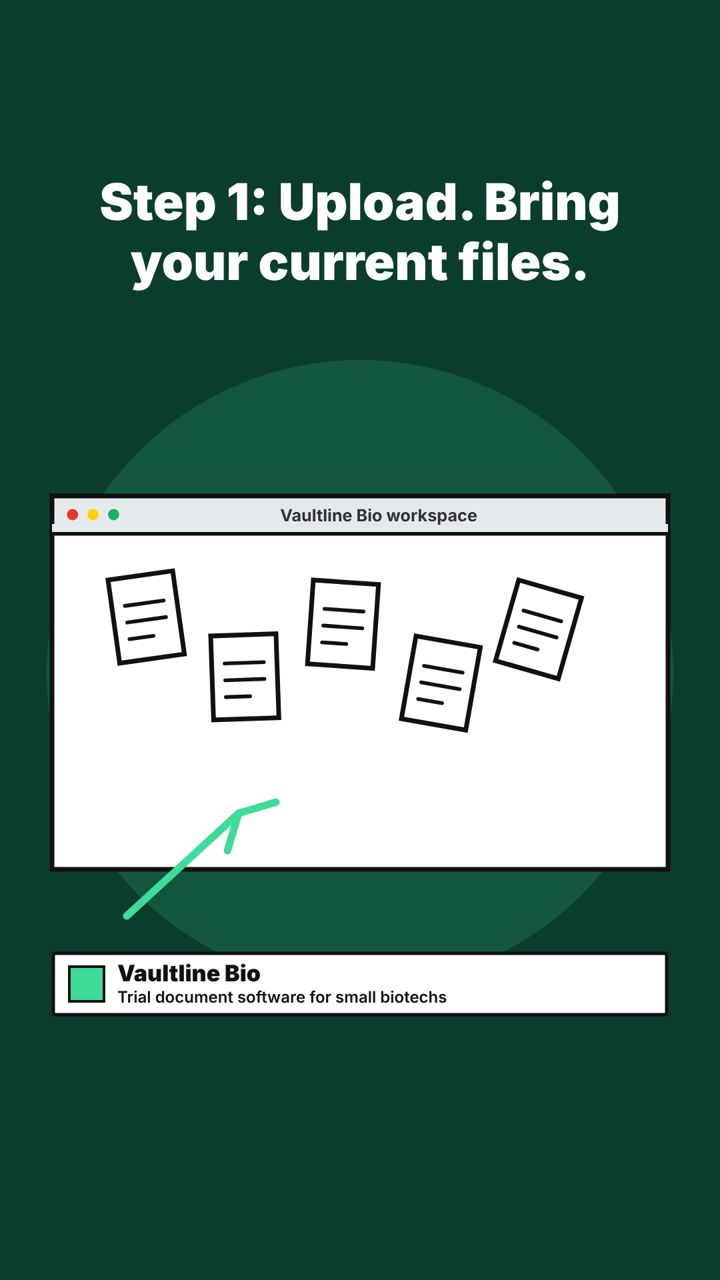
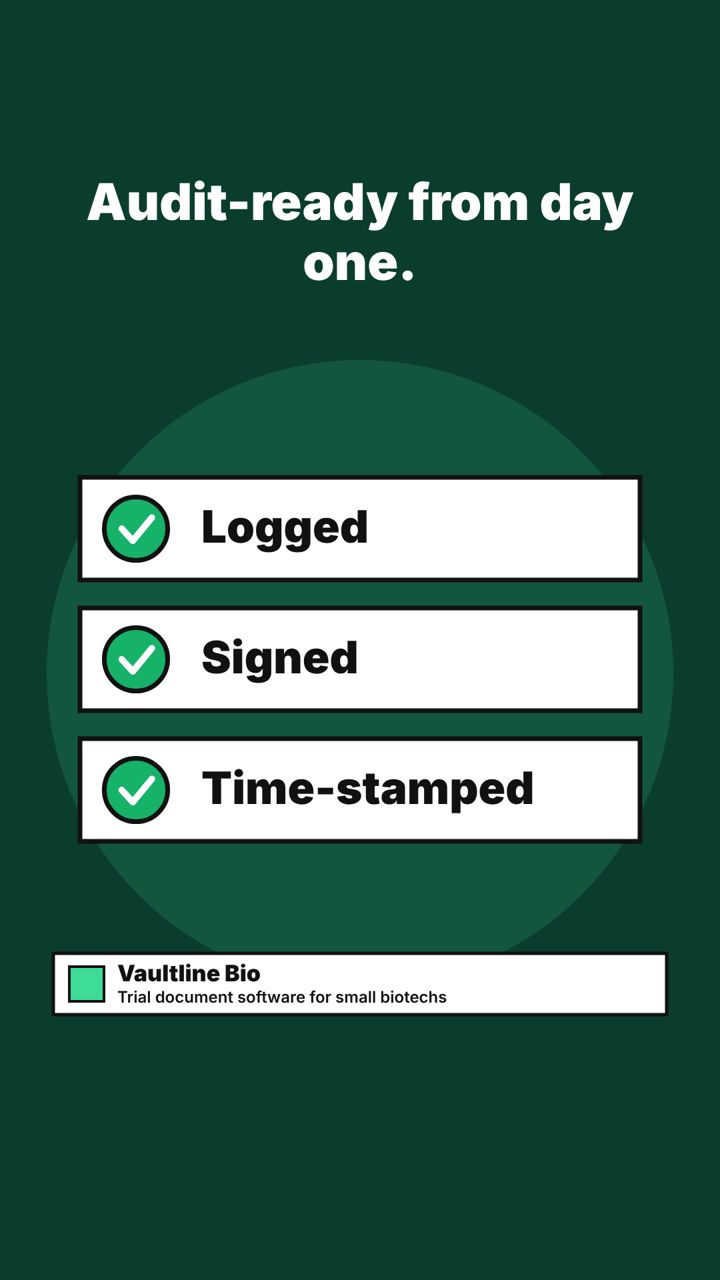
Scene 1Scattered files.Scene 2Step 1: Upload. Bring your current files.Scene 3Step 2: Configure. Start from our templates.Scene 4Step 3: Inspect. Pull any record with its history.Scene 5Audit-ready from day one.Scene 6From scattered to inspection-ready.
Caption
Scattered files do not pass inspections.
Here is how a small biotech goes from loose documents to an inspection-ready workspace in three steps.
Vaultline Bio: upload, configure, inspect.
#VaultlineBio #ClinicalOperations #eTMF #BiotechOps
Figures and customer details are samples for the mockup.